5G vs LTE: Which Setting Saves More Phone Battery?
Matthew Leo · Published August 8, 2026 · Gadgets
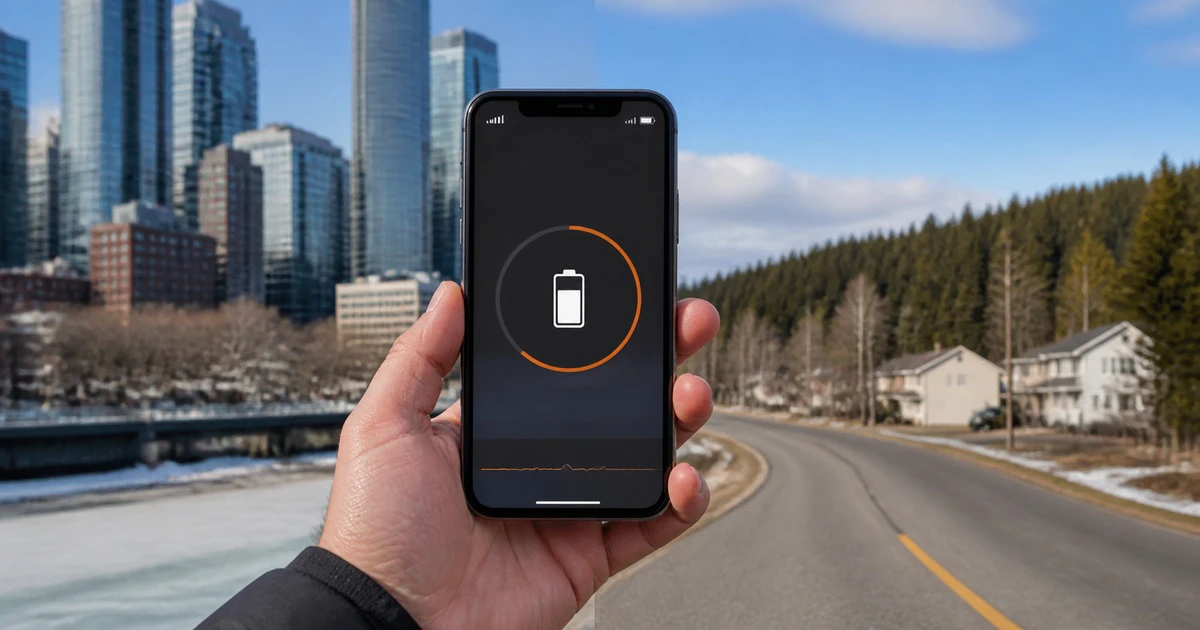
Turning off 5G can improve battery life, but it is not the best answer for every phone or every Canadian network.
The useful choice is usually not “5G always” or “LTE forever.” It is an automatic mode that uses 5G when the extra speed helps and falls back when it does not. Apple calls this 5G Auto. Google uses Adaptive Connectivity on supported Pixel phones.
If your battery still drops quickly, a simple two-day test can show whether the network setting is really the cause.
Why 5G can use more power
A phone spends energy finding, maintaining and switching between network signals. In a strong 5G area, a large download can finish quickly and let the radio return to a lower-power state. In a weak or changing coverage area, the phone may work harder as it searches and moves between 5G and LTE.
That is why two people with the same phone can see different results. A commuter moving between towers, a person working inside a concrete building and someone living near the edge of 5G coverage do not give the modem the same job.
Canada makes that difference easy to notice. Dense downtown coverage, suburban neighbourhoods, highways and northern communities can have very different signal conditions. A 5G icon only says the network is available. It does not promise a faster connection at that moment.
Automatic mode is the best default
Apple's 5G Auto setting uses Smart Data mode. The company says the iPhone switches to LTE when 5G speeds do not provide a noticeably better experience, which helps optimize battery life. Users who choose 5G On ask the phone to use 5G whenever it is available, even when the benefit is small.
On a recent iPhone, open Settings > Cellular > Cellular Data Options > Voice & Data, then choose 5G Auto. The wording can vary slightly with the carrier and number of SIMs.
Google recommends Adaptive Connectivity on Pixel 4a (5G) and newer Pixel phones. The feature is meant to choose the connection that fits the current task while saving battery. Open Settings > Network & internet > Adaptive Connectivity and turn it on.
Samsung and other Android brands use different names and menus. Some Canadian carriers also control which network choices are visible. Look under Mobile networks, SIMs or Connections. If the phone provides an adaptive option, start there.
When LTE-only can help
LTE-only is worth testing when:
- the phone constantly jumps between 5G and LTE;
- 5G shows one weak bar in the places where you spend most of the day;
- the device becomes warm during light mobile-data use;
- you are travelling through rural or highway areas with uneven 5G coverage; or
- you need the longest possible standby time and do not need high download speed.
On iPhone, choose LTE from the same Voice & Data menu. On Android, select LTE or 4G as the preferred network type if the manufacturer and carrier provide that option.
LTE-only will not improve a weak LTE signal. It can also make large downloads, hotspot use and high-quality video slower. If a strong 5G connection finishes a task much faster, forcing LTE may trade speed for little or no battery gain.
When keeping 5G makes sense
Leave an adaptive 5G mode on when coverage is strong and you regularly download large files, share a hotspot, upload video or work in crowded places where the newer network performs better.
5G can also be part of a carrier's capacity plan. In a busy arena or downtown core, LTE may be more congested even if its signal bars look stronger. The fastest-looking icon is not always the fastest connection, and the strongest signal is not always the least busy network.
Run a fair two-day battery test
Battery anecdotes are noisy. Screen brightness, camera use, navigation, heat, background apps and a bad software update can matter more than the network.
- Charge to the same level on two similar mornings.
- Use 5G Auto or Adaptive Connectivity on day one.
- Use LTE-only on day two.
- Keep brightness, Wi-Fi, hotspot use and travel pattern as similar as practical.
- At the same time each evening, compare battery percentage and the system battery-usage screen.
A difference of one or two percentage points is not meaningful after one test. Repeat it if the result is close. If LTE-only produces a clear, repeatable improvement without hurting your service, keep it for the places where coverage is weak.
Check the larger drains first
Google's own Pixel battery guide places display settings, background app use, hotspot activity and heat alongside connectivity advice. Before blaming 5G, check for an app with unusually high background time, a screen running at full brightness or a phone that stays warm when idle.
Battery health also matters. An older battery with reduced capacity will not be restored by switching networks. On a new phone, allow several days for app updates, photo syncing and battery optimization to settle.
Battery Saver can be useful in an emergency. Google notes that Battery Saver turns off 5G on Pixel phones. That is a clue that 5G can be one part of the energy budget, not proof that it is always the main problem.
The short answer
For most Canadians, use 5G Auto on iPhone or Adaptive Connectivity on Pixel. Test LTE-only if coverage is weak, the phone keeps switching networks or you need maximum standby time. Use 5G when its speed or capacity clearly improves the task.
Mapletechie's Gadgets coverage separates useful settings from blanket advice because the network around the phone matters as much as the logo on it.
The best battery setting is not the one that wins an argument about 5G. It is the one that gives your phone a stable connection where you actually use it.