Build an Account Recovery Kit Before You Lose Your Phone
Matthew Leo · Published August 31, 2026 · Guides
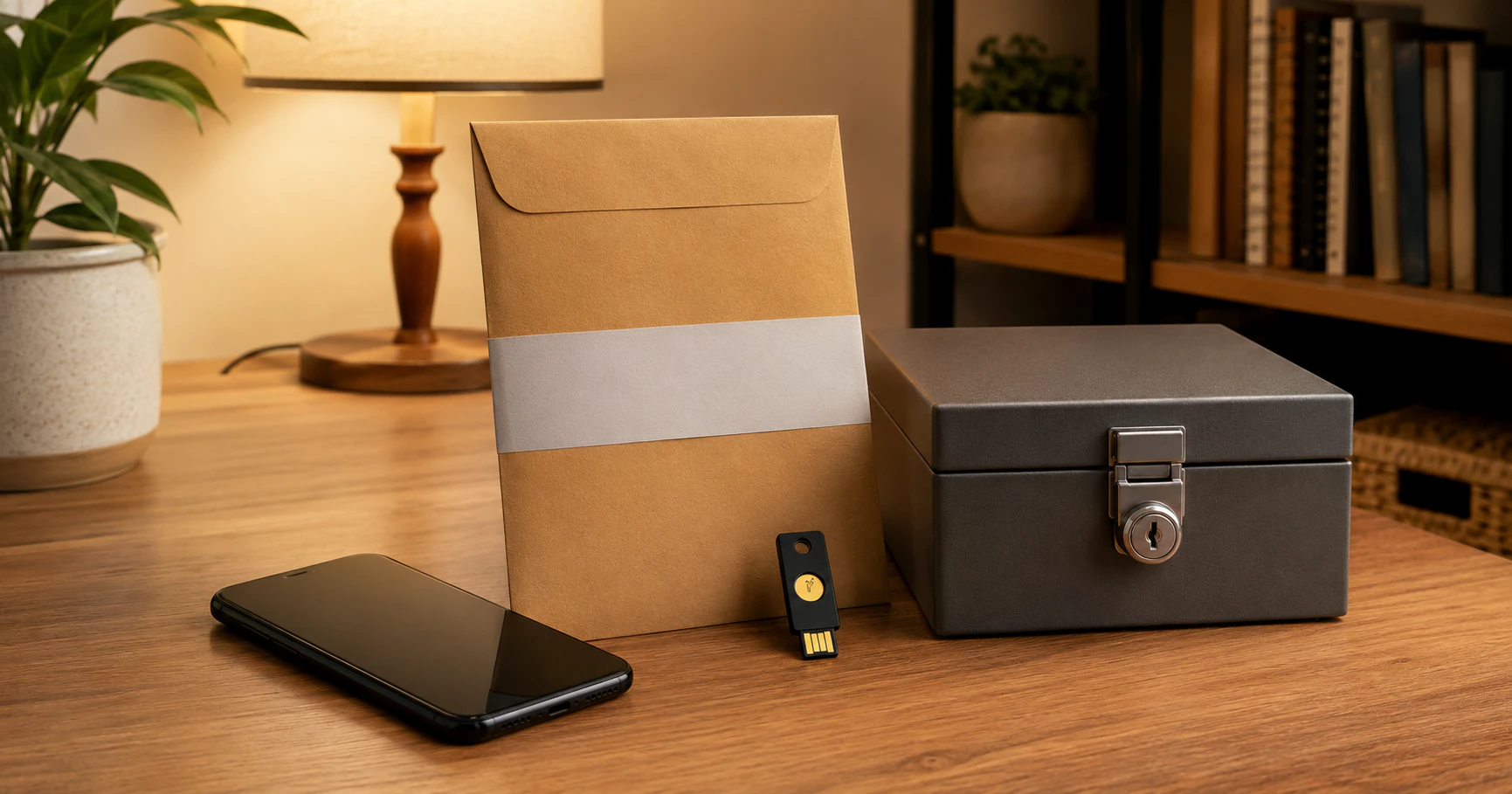
A stolen or broken phone becomes much more expensive when it is also the only device that can approve your logins. The fix is boring, takes less than an hour, and is worth doing before you need it: build an account recovery kit that does not depend on the phone in your pocket.
The goal is not to weaken two-factor authentication. It is to make sure losing one device does not remove every path back into your important accounts.
Start with the accounts that unlock everything else
Prioritize your primary email, Apple or Google account, Microsoft account, password manager and mobile carrier account. Email is especially important because many other services use it for password resets.
For each account, write down which recovery methods exist. You do not need to record passwords. You need to know whether you have a recovery email, backup phone, printed code, recovery contact, security key or another signed-in device.
Google: generate backup codes
Google provides a set of ten one-time backup codes for accounts using 2-Step Verification. Each code works once, and generating a new set invalidates the previous set. Google explicitly suggests printing a copy and storing it somewhere safe with other important documents.
That is better than keeping the only copy in a screenshot on the phone you might lose. Google also supports other fallback methods, including another signed-in phone, a backup number, a hardware security key or a passkey on another device.
Apple: add a recovery contact
Apple lets you designate up to five recovery contacts. A recovery contact cannot access your account. If you become locked out, that person can generate a six-digit recovery code that helps you reset your Apple Account password.
Choose someone you can actually reach. A technically perfect recovery method attached to a person whose number you no longer have is not much of a recovery method.
Microsoft: create the 25-digit recovery code
Microsoft offers a 25-digit account recovery code. Creating a new one invalidates the old code, and Microsoft recommends printing it and not storing it on a device used to sign in to the account.
This deserves special attention if you use Microsoft Authenticator. Microsoft says some Authenticator credentials can be backed up, but passwordless and work or school accounts may still require you to sign in again after restoration. A backup of the app is useful; it is not a substitute for understanding how each important account can be recovered.
Store recovery material in two different places
A practical setup is one physical copy in a secure place at home and one separate secure copy that is not dependent on your primary phone. Do not email yourself a plain-text document called “all my recovery codes.” That turns a recovery plan into a very convenient package for anyone who compromises your inbox.
If you use a password manager, an encrypted emergency document can be useful, but think through the circular dependency: if the password manager itself requires the lost phone to unlock, the document inside it cannot rescue you.
Run the lost-phone test
Once the kit is built, imagine your phone disappeared five minutes ago. Can you sign into your main email from another device? Can you reach your mobile carrier? Can you recover your Apple, Google or Microsoft account without approving a prompt on the missing phone?
You do not need to consume one-time codes just to test them. Verify that they exist, that you know where they are stored, and that your recovery contacts and backup numbers are current.
Repeat the check after changing your phone number, moving countries, replacing your main computer or switching password managers. Recovery information ages quietly.
The best account security is not a system that can never lock you out. It is a system that keeps attackers out while leaving you a deliberately designed route back in.
Sources: Google Account Help: Sign in with backup codes; Apple Support: Set up a recovery contact; Microsoft Support: account recovery codes.
Tags: security, account recovery, 2FA, phones