Browser Passwords vs Password Managers: Which Is Safer?
Matthew Leo · Published July 29, 2026 · Guides
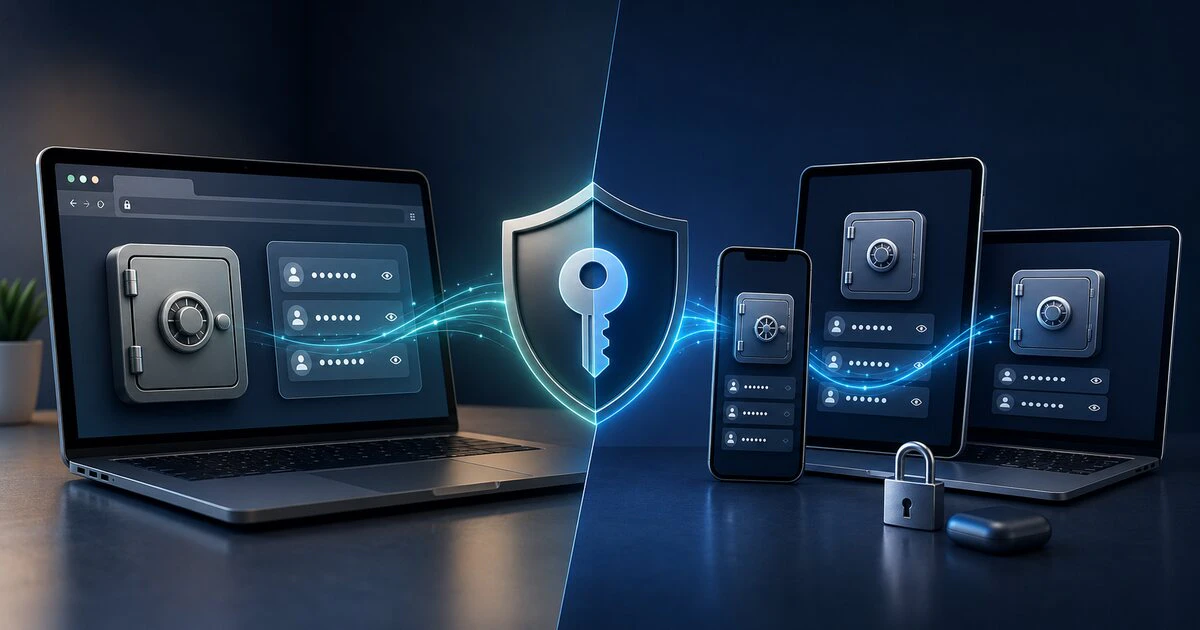
Saving passwords in a browser is not automatically reckless, and paying for a separate password manager does not automatically make someone secure.
The more useful answer is that both can protect accounts well when properly configured. A dedicated manager becomes more valuable when a person uses several browsers, operating systems or shared accounts.
The worst choice remains reusing a memorable password everywhere because managing unique ones feels inconvenient.
A browser password manager is still a password manager
Chrome, Safari, Edge and Firefox can generate, store and fill passwords. Their vaults are integrated with the browser or its connected account.
The Canadian Centre for Cyber Security recommends using either a browser-based or stand-alone password manager to store unique passwords and passphrases.
That official guidance matters because online discussions sometimes treat browser storage as though it were equivalent to saving passwords in a text file.
It is not.
For example, Google says Chrome encrypts saved credentials and compares an encrypted version with known breached credentials. Google says the comparison does not reveal the username or password to the company.
That does not prove every browser implementation is perfect. It does show why “never save a password in any browser” is too broad to be useful advice.
Where dedicated managers have an advantage
A dedicated password manager is built primarily around credential storage rather than browsing.
Depending on the provider and plan, it may offer:
- Applications and extensions across several browsers
- Secure sharing with relatives or colleagues
- Emergency-access arrangements
- Storage for recovery codes and secure notes
- Audits for reused, weak or exposed passwords
- More control over vault locking and authentication
- Separation from one browser account
Features vary substantially. The Canadian Cyber Centre advises researching vendors because password managers have different designs, capabilities and vulnerabilities.
A paid product is not secure merely because it sends an invoice. Review its security documentation, recovery model, update history and support for multi-factor authentication.
Where the browser option makes sense
A built-in manager may be the sensible choice when someone:
- Uses one browser and one main device ecosystem
- Needs a simple tool they will actually use
- Does not need family or workplace sharing
- Protects the browser account with strong multi-factor authentication
- Keeps the device updated and securely locked
Convenience is a security feature when it replaces password reuse. A theoretically superior vault offers little protection if it is so complicated that the user abandons it.
The central risk is account concentration
Any password manager concentrates valuable information. That is the point: one protected vault replaces dozens of weak or repeated passwords.
It also means the vault account deserves unusually strong protection.
Use:
- A unique primary password or long passphrase
- Multi-factor authentication
- A secure recovery method
- Automatic device locking
- Current browser, operating-system and manager updates
If a browser manager synchronizes through a Google, Apple, Microsoft or Firefox account, that account becomes part of the vault’s security boundary. Protect it accordingly.
A dedicated manager creates separation from the browser account, but it also creates another critical account that must be maintained and recovered safely.
Shared computers change the answer
Do not save sensitive passwords in a personal browser profile on a public, workplace or shared household computer unless you fully understand who controls the device.
Another person with access to an unlocked profile may be able to use saved credentials even when the application hides the actual password.
On a shared device:
- Use a separate operating-system account.
- Lock the computer whenever you leave.
- Require authentication before revealing or filling passwords when supported.
- Avoid remaining signed in to the browser profile.
- Do not export password files and leave them in Downloads.
Device security and vault security cannot be separated neatly. Malware or an unlocked computer can undermine either type of manager.
AI browsers raise a newer concern
Browsers are becoming more capable. Some can read pages, connect to email and documents, remember activity and take actions for users.
Mapletechie has already examined the privacy and security implications of AI browsers. Adding agent access makes browser permissions more important because the browser may hold more than history and saved credentials.
This does not mean a browser vault automatically exposes passwords to an AI feature. It means users should review what the browser assistant can access, disable unnecessary connections and require confirmation before sensitive actions.
Passkeys improve the picture but do not erase passwords
Passkeys replace a typed password with cryptographic credentials protected by the device or account. They resist many phishing attacks because there is no reusable password to hand to a fake website.
The Canadian Cyber Centre says passkeys can provide safer and faster sign-in. It also warns that many services retain passwords or other recovery methods, leaving some residual risk.
Use passkeys where available, but continue protecting the fallback password and account-recovery process.
Which one should you choose?
Choose a browser manager when:
- You mainly use one browser ecosystem.
- You want the simplest route away from password reuse.
- You do not need advanced sharing or emergency access.
- You are prepared to secure the connected browser account properly.
Choose a dedicated manager when:
- You frequently move between Apple, Android, Windows or Linux.
- You use several browsers.
- You need controlled sharing with family or coworkers.
- You want the vault separated from the main browser identity.
- You need more advanced organization, auditing or recovery features.
The safest manager is the one used properly
A reputable browser manager is usually better than memory, repeated passwords or a notebook left beside the computer.
A reputable dedicated manager may provide better portability and control. It still needs a strong primary password, multi-factor authentication and a recovery plan.
The decision is not browser versus security.
It is whether the tool fits your devices, risks and habits well enough that every important account receives a unique credential.
Tags: passwords, cybersecurity, browsers, password managers, passkeys