Cancel App Subscriptions Before the Next Charge
Matthew Leo · Published August 14, 2026 · Guides
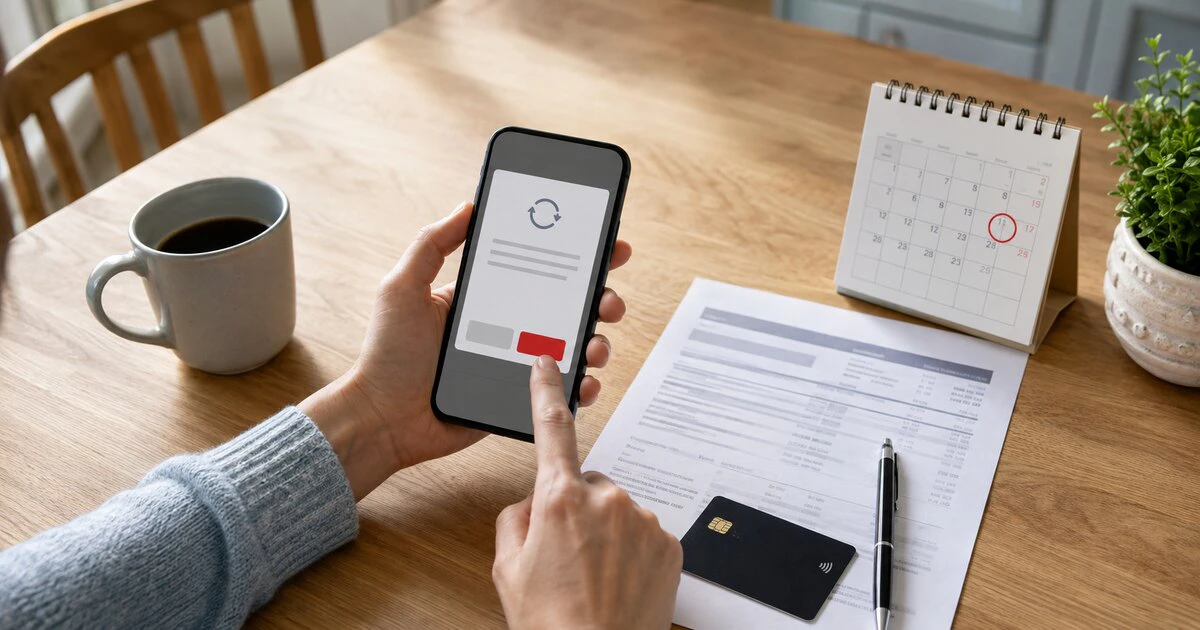
Deleting an app does not cancel the subscription attached to it.
The payment continues until the company that bills you records a cancellation. On an iPhone that may be Apple, Google or the developer; on Android it may be Google Play, the developer, a carrier or another payment provider. Find the biller first, cancel through its official channel and save the confirmation.
This guide covers current consumer subscriptions billed through Apple and Google Play in Canada. Services bought directly from a company must be cancelled with that company.
Identify who actually charges you
Start with the receipt, not the app icon. Search email for the service name, “receipt from Apple,” “invoice from Apple,” “Google Play” and the amount shown on the card statement.
Apple-billed charges may appear with wording such as apple.com/bill. Google Play receipts identify the Google Account and order number. If neither store has the subscription, check the developer’s website, PayPal, your mobile carrier and any other account used to sign up.
This distinction prevents a common dead end: searching the Apple subscription list for a service purchased on its website. Apple says that when no Apple receipt exists, customers should identify the company on their bank or card statement and contact that biller.
Cancel a subscription billed by Apple
On a current iPhone or iPad:
- Open Settings.
- Tap your name.
- Tap Subscriptions.
- Select the subscription.
- Tap Cancel Subscription and confirm.
If no Cancel button appears and the page shows an expiry date, Apple says the subscription is already cancelled. Take a screenshot that includes the service and expiry date.
On a Mac, open the App Store, select your name, choose Account Settings, then manage Subscriptions. Apple also provides a web cancellation route through account.apple.com. Windows users can manage supported Apple services through the Apple Music or Apple TV app.
Apple advises cancelling a free or discounted trial at least 24 hours before it ends. Cancelling normally stops the next renewal while access continues until the paid period expires. Read the confirmation because some trials or special offers can behave differently.
Cancel a Google Play subscription
On an Android device:
- Open Google Play.
- Tap the profile icon.
- Choose Payments and subscriptions, then Subscriptions.
- Select the subscription.
- Tap Cancel subscription and follow the prompts.
You can also use Google Play on the web while signed into the correct Google Account. Google’s current subscription guidance says access normally continues for the time already paid after cancellation.
Uninstalling the application does not complete these steps. Pausing, changing a plan or turning off a feature inside the app may also be different from cancelling the recurring charge.
If the subscription is missing
A missing subscription usually points to the wrong account or biller. Check every Apple Account or Google Account used on the device, including an old personal, work or family account.
Family sharing does not always let the organizer cancel another adult’s subscription. Apple says the family member whose account appears on the receipt must cancel it. For Google Play, switch profiles and inspect each account’s subscription list.
If the charge came through a carrier or was bundled with Internet or television service, contact that provider. Record the representative’s name, case number, cancellation date and promised final charge.
Cancellation and refund are separate requests
Cancellation prevents a future renewal. It does not automatically return the latest payment.
For Apple purchases, go to Apple’s Report a Problem refund process, sign in, choose Request a refund, select a reason and submit the relevant item. Apple says decisions normally receive an update within 24 to 48 hours, though approved funds can take longer to reach the original payment method.
A pending Apple charge cannot be submitted until a receipt is issued. If the purchase is absent, verify which Apple Account received the receipt.
For Google Play, use the official refund request flow. Eligibility depends on the product, timing and circumstances. Google also says contacting the developer can be the quickest route for some app and in-app purchase problems.
Do not describe a recognized renewal as fraud merely because it was forgotten. Explain the actual reason: an accidental renewal, a service that failed, a misleading description or an inability to cancel. Accurate records make the request easier to assess.
Preserve a small evidence package
- The receipt and card-statement entry
- The cancellation screen and confirmation email
- The advertised trial or renewal terms
- Screenshots of a broken cancellation path
- Support case numbers and chat transcripts
- The date and time of each attempt
This evidence matters if a company charges after confirming cancellation. Contact the merchant first when practical, then the card issuer if the charge remains unauthorized or unresolved. A chargeback can interrupt an account or service, so use it for a genuine dispute and provide complete facts.
Canadian consumer protections still apply
App-store policies do not erase rights provided by Canadian consumer law. The applicable rules depend on the province, the contract and what the seller represented. British Columbia, for example, has strengthened rules around certain subscription renewals, an issue Mapletechie examined in its guide to the province’s auto-renewal changes.
If a business ignores a valid cancellation, misrepresents a service or makes the cancellation route materially harder than promised, preserve the record and consider the provincial consumer-protection office. For a large or recurring loss, obtain advice appropriate to the situation.
Run a monthly subscription check
Review Apple, Google Play, PayPal, carrier and card statements together. A subscription inventory that covers only one app store will miss direct billing.
Cancel unwanted trials several days early, record the expiry date and confirm the next statement. The task is complete when the biller has acknowledged cancellation, not when the application disappears from the home screen.
Last verified August 14, 2026. Store interfaces and refund eligibility can change by account, product and region.
Tags: subscriptions, App Store, Google Play, consumer rights, Canada