Cancel Cloud Storage Without Losing Your Files
Matthew Leo · Published August 20, 2026 · Software & Apps
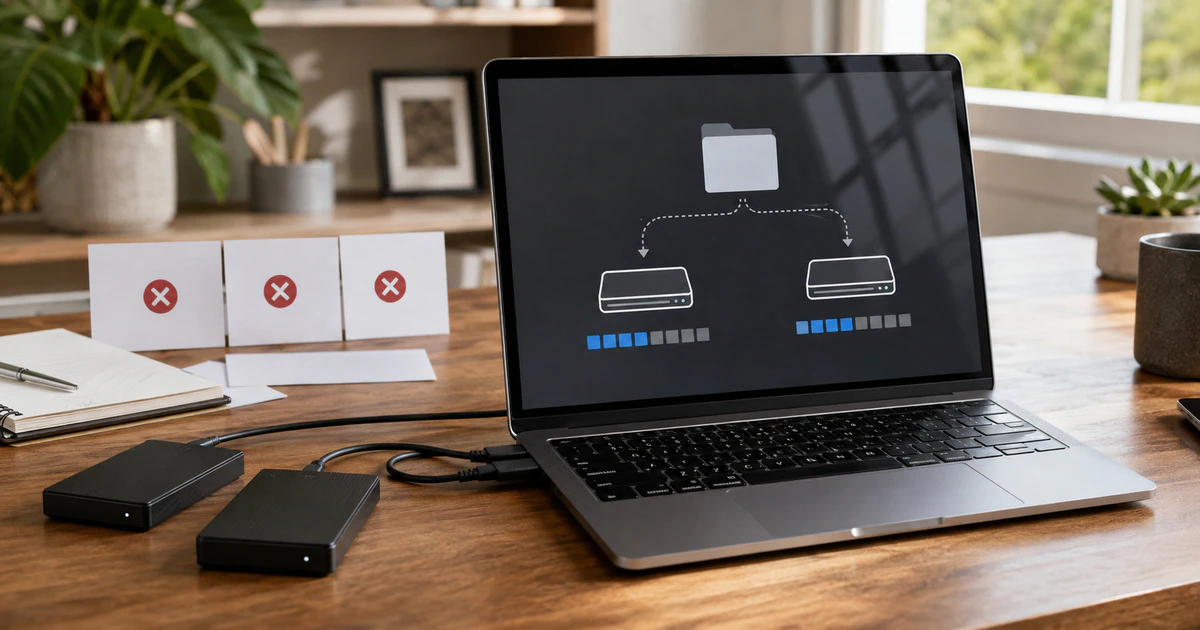
Cancelling a cloud-storage plan usually does not erase every file that day. The immediate problem is subtler: new photos stop uploading, device backups fail, files become read-only and email can stop working while the account is over quota.
Do not cancel first and organize later. Export the important material, confirm that it opens outside the cloud service and reduce usage below the free allowance before the paid period ends.
This comparison covers personal iCloud+, Google One and Microsoft cloud-storage plans. Business, school and family plans have different administrators and retention rules.
What changes when the paid storage ends
| Service | Immediate over-quota effect | Longer-term risk |
|---|---|---|
| iCloud+ | Sync and iCloud backups stop updating | Devices no longer have a current cloud copy |
| Google One | Drive uploads, Photos backup and some Gmail functions can stop | Google may delete content after extended over-quota status and notice |
| Microsoft storage | OneDrive becomes read-only; Outlook email can be affected | OneDrive may freeze and files may later be deleted |
The companies do not offer one shared grace period. Policies can change, and notices sent to an email account that has stopped receiving mail are easy to miss.
Apple stops syncing when the account is too large
Apple says that after an iCloud+ downgrade, an account above the new capacity will no longer sync or update and iCloud backups will not complete. Those functions resume after the user buys enough storage or deletes enough information.
The danger is assuming the newest phone photos or documents remain protected. Existing material may still appear on one device while another device has an older copy.
Before downgrading, open iCloud settings and review Photos, device backups, iCloud Drive, Messages and Mail. Download full-resolution originals if the device has been using optimized storage.
Google links Drive, Photos and Gmail to one allowance
Google One storage is shared across Google Drive, Google Photos and Gmail. Google’s cancellation policy says the additional capacity ends with the billing cycle. If the account is then over quota, restrictions apply across those products.
That can prevent new Drive uploads and Photos backups and interfere with sending or receiving Gmail. Google’s current storage policy warns that content counting toward the allowance may be deleted after an account remains over quota for two years, with advance notice.
Use Google Takeout for a broad export, but test the archive. Photos can arrive with separate metadata files, shared items may need special handling and a successful download is not proof that every folder is organized correctly.
Mapletechie’s Google storage cleanup guide covers the safer order for reducing Drive, Photos and Gmail use.
Microsoft can freeze an over-quota OneDrive
Microsoft storage covers OneDrive and can also affect Outlook attachments and mail. Its storage documentation says an over-quota OneDrive can become frozen after more than three months.
Microsoft also warns that files may be deleted after six months above the OneDrive limit and describes deletion as non-recoverable. The exact notices on the account should therefore be treated as deadlines, not marketing.
Files marked “online-only” are not complete local backups. In File Explorer or Finder, choose the option to keep essential folders on the device, wait for downloading to finish and then copy them to independent storage.
Use a two-copy exit process
- Check the free allowance and current usage in the provider’s storage dashboard.
- Identify originals that exist only in the cloud, including optimized photos and online-only files.
- Download them to a computer with enough free space.
- Copy the export to a second destination, such as another external drive or a different cloud provider.
- Open a sample of photos, videos, documents and archives from both copies.
- Reduce cloud usage below the future allowance and empty online trash where appropriate.
- Wait for the provider’s storage meter to update, then cancel or downgrade.
Do not make the second copy inside a folder synchronized to the same service. Deleting the cloud original could synchronize the deletion into what looked like a backup.
Family plans need a separate check
When the organizer cancels shared storage, every participant can fall back to a smaller personal allowance. Ask each person to review usage before the plan changes. One family member’s large photo library should not silently stop another person’s phone backup.
Children and less technical relatives may not recognize an over-quota warning. Record who owns the plan, which date it ends and where each person’s independent copy is stored.
Know what does not transfer cleanly
A file export does not recreate every service feature. Shared links, collaborative permissions, photo albums, comments, document version history and device-backup images may not survive as ordinary folders.
Keep the old account accessible until the replacement process is verified. If email depends on the same quota, move important recovery messages and confirm that banking and account-reset addresses still work.
The subscription is easy to cancel. The work is proving that the cloud no longer holds the only usable copy of anything you care about.
Tags: cloud storage, iCloud, Google One, OneDrive, backups