Check a Used Phone Before You Pay for It
Matthew Leo · September 24, 2026 · Guides
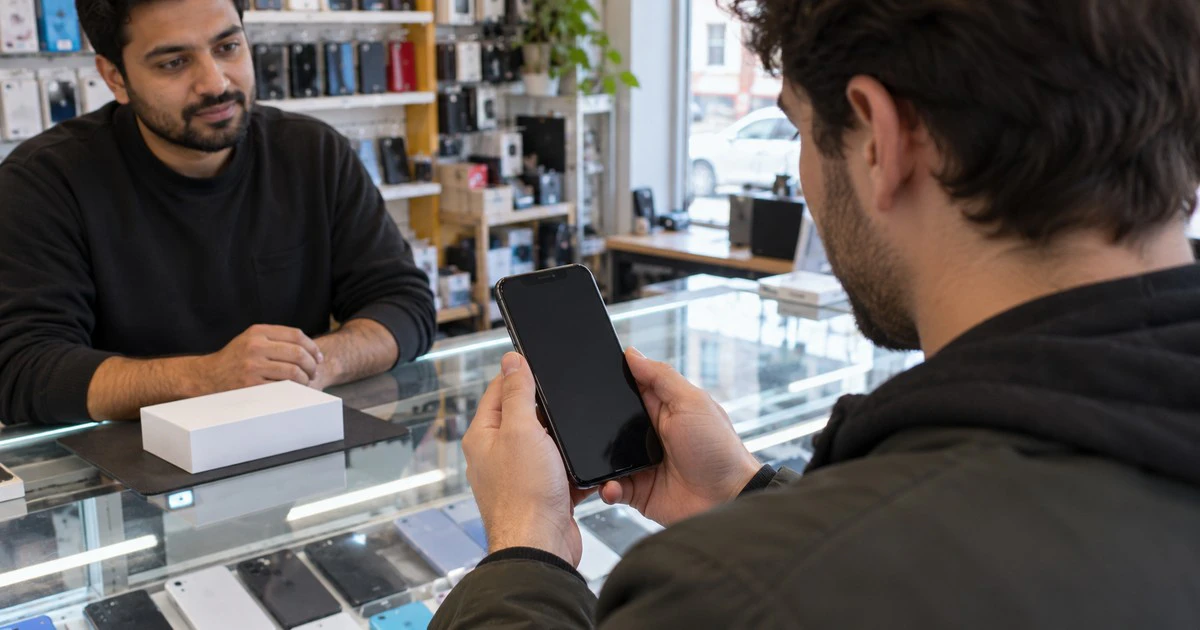
A used phone can look perfect and still be unusable. It may be reported lost, tied to the previous owner’s account, locked to a carrier or unable to connect to the network you plan to use.
The safest time to find those problems is before money changes hands. Meet the seller somewhere with Wi-Fi and cellular service, bring your SIM if you use a physical one, and leave enough time to complete setup. Do not accept a promise that an account lock will be removed later.
Start with the IMEI
The International Mobile Equipment Identity, or IMEI, is the number carriers use to identify a phone on a mobile network. Ask the seller to show it from the phone’s settings. On many devices, dialling *#06# also displays it.
Compare that number with the box or receipt if the seller has them. A mismatch is not automatic proof of theft because a device may have been repaired or repackaged, but it needs an explanation.
In Canada, enter the IMEI at DeviceCheck.ca to see whether participating carriers have placed it on the national lost-and-stolen list. Run the check yourself while the phone is in front of you. Avoid posting the full number in a public listing or message thread.
A clean result is useful, but it is not ownership proof. A phone can be reported lost or stolen after the sale, and a blacklist check does not tell you whether an Apple or Google account still controls activation.
Check an iPhone for Activation Lock
Apple says not to take ownership of a used iPhone if it shows iPhone Locked to Owner. The seller needs to erase the phone and remove it from their Apple Account.
If the phone opens to a passcode screen or Home Screen, it has not been fully erased. Ask the seller to erase it while you are there, then begin setup. If setup asks for the previous owner’s Apple Account credentials, hand the phone back. Apple considers it ready for a new owner when it reaches the Hello screen and setup can continue without the seller’s account.
Do not ask the seller to share a password with you. They should enter it themselves or remove the device from their account in a browser.
Check Android device protection
Android has a similar protection often called Factory Reset Protection. When a Google Account and screen lock are present, a reset phone may require an account that was previously synced to the device.
Google says removing the Google Account turns off device protection. Ask the seller to remove their account through Settings and reset the phone from the normal Settings menu. Then start setup far enough to confirm that it does not demand the seller’s old Google credentials.
If the phone was reset with its hardware buttons and now asks for a previous account, do not pay for it. You cannot reliably fix that without the former owner.
Check the carrier status
The CRTC’s Wireless Code says newly purchased mobile devices in Canada must be unlocked, and carriers must unlock older devices free of charge on request. An imported phone or a device originally sold outside Canada can still create problems.
On an iPhone, open Settings > General > About. Apple says No SIM restrictions beside Carrier Lock means the phone is unlocked. On Android, the wording varies, so the simplest test is to insert your SIM or activate your eSIM and place a call.
Also check that the model supports your carrier’s bands and services. A phone can accept a SIM but still have weak coverage or limited 5G support in Canada.
Test the phone before paying
- Cellular service: Make a call, send a text and load a web page over mobile data.
- Wi-Fi and Bluetooth: Join a known network and connect to a small accessory if one is available.
- Cameras and microphones: Record a short video with each camera and play it back through the speaker.
- Charging: Plug in a cable and, if supported, test wireless charging.
- Buttons and ports: Check every button, the charging port and the SIM tray.
- Display and touch: Raise and lower brightness, type across the keyboard and look for dead areas, burn-in or flicker.
- Battery: Review battery health where the phone provides it. Treat a low maximum capacity as a future repair cost.
- Biometrics: Ask the seller to remove their face or fingerprints, then confirm you can enrol yours during setup.
Look for signs that do not match the seller’s story: missing screws, a lifting screen, a swollen back, fogged camera lenses or warnings about unknown parts. Cosmetic damage is negotiable. Battery swelling is a reason to stop using the phone.
Keep a record of the sale
Ask for a receipt showing the date, price, model, IMEI and seller’s contact information. Use a payment method that produces a record. If you are buying through a marketplace, keep the listing and messages.
If the phone is later reported stolen, contact the marketplace, your payment provider and local police. Your carrier can use the IMEI to block service. Mapletechie’s guide to blocking a stolen phone by IMEI in Canada explains what carriers can and cannot do with that number.
Finish the transaction only after the phone passes the IMEI check, completes account-free setup and connects to your carrier. If the seller refuses any of those checks, leave without the device.
Sources: Apple Activation Lock support, Google Android device protection, CRTC Wireless Code, DeviceCheck.ca
Tags: Used phones, IMEI, Activation Lock, Android, Consumer advice