Cloud Gaming Can Burn Through a Data Cap Fast
Matthew Leo · Published August 16, 2026 · Gaming
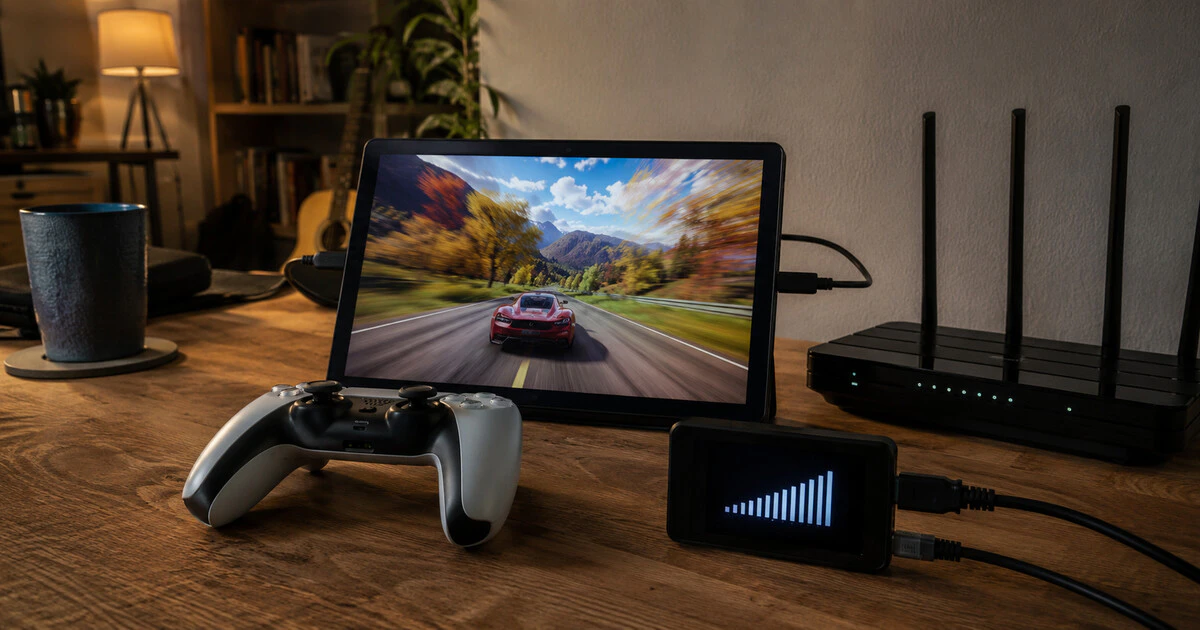
Cloud gaming avoids a large download by turning the whole game into a continuous high-bitrate stream, and that can consume a mobile data plan in one evening.
Every frame is rendered in a remote data centre, compressed and sent to the screen while controller inputs travel back. Resolution, frame rate and image complexity change the bitrate, so there is no single gigabytes-per-hour figure.
There is a useful range. Official network recommendations let us calculate what sustained use at each bitrate would mean.
Convert megabits into gigabytes
The calculation is straightforward: multiply megabits per second by 3,600 seconds, divide by eight to convert bits to bytes, then divide by 1,000 for decimal gigabytes. A 20 Mbps stream sustained for one hour is about 9 GB.
| Streaming bitrate | Maximum data in one hour | Twenty hours |
|---|---|---|
| 7 Mbps | 3.15 GB | 63 GB |
| 13 Mbps | 5.85 GB | 117 GB |
| 20 Mbps | 9 GB | 180 GB |
| 25 Mbps | 11.25 GB | 225 GB |
| 45 Mbps | 20.25 GB | 405 GB |
| 65 Mbps | 29.25 GB | 585 GB |
These are upper calculations for a stream that holds the stated rate continuously, not measurements from a controlled test. Services vary compression and bitrate as the scene and connection change. Voice chat, updates and other devices add more traffic.
The services target different connection levels
Xbox Cloud Gaming lists 10 Mbps as a minimum and says some devices need 20 Mbps for the best quality. Microsoft's current setup advice recommends at least 20 Mbps and 5 GHz Wi-Fi or Ethernet where possible.
PlayStation lists 7 Mbps for 720p and 13 Mbps for 1080p on PlayStation Portal. Its broader PS5 cloud-streaming material recommends higher rates for higher resolutions, reaching 52 Mbps for 4K.
GeForce NOW publishes a wider ladder: 15 Mbps for 720p at 60 frames per second, 25 Mbps for 1080p at 60 fps and progressively higher rates for 4K, 120 fps and high-refresh modes. Its top display modes can recommend 65 Mbps or more.
A speed requirement tells you whether the connection may sustain the service. It does not promise that the stream will use exactly that amount or that latency will be low enough to feel responsive.
Mobile data is the expensive trap
At a sustained 20 Mbps, a 50 GB mobile allowance represents roughly five and a half hours before accounting for every other use. Even a lower 7 Mbps stream can approach 3.15 GB in an hour.
Canadian plans often continue service at a sharply reduced speed after the high-speed allowance is exhausted. That reduced connection may still handle messages but become unusable for cloud gaming. Other plans charge for overage or roaming.
Do not assume “unlimited” means unlimited full-speed data. Read the high-speed allowance, reduced speed and hotspot rules. If playing while travelling, check whether the roaming package includes the same data pool and whether the service is available in that region.
Home Internet can have limits too
Many Canadian fixed broadband plans include unlimited usage, but some rural wireless, satellite and legacy plans retain monthly allowances or traffic-management rules. A household streaming at 25 Mbps for 40 hours could theoretically approach 450 GB from cloud gaming alone.
Measure the connection at the router or provider portal when possible. A computer's application counter may omit traffic from the television, handheld or console and can reset on a different schedule from the bill.
Reduce usage without making the game miserable
- Set 720p or 1080p instead of 4K on a small screen.
- Cap the service's maximum bitrate where that control exists.
- Use 60 fps rather than 120 fps when responsiveness remains acceptable.
- Disable automatic cloud play over cellular data.
- Pause game and system downloads on other devices.
- Use Ethernet or strong 5 GHz Wi-Fi to reduce quality swings and retransmissions.
A lower maximum resolution may require restarting the stream. Test the setting in a real game because text-heavy strategy titles and fast shooters tolerate compression differently.
Separate cloud gaming from Remote Play
Remote Play streams from a console you own, while cloud gaming streams from the provider's data centre. Both consume network traffic on the viewing device. Remote Play outside the home can also use the console's home upload connection.
Playing on the same home network may keep Remote Play traffic inside the household network, depending on the system and route. Cloud gaming always needs the outside Internet connection because the game runs remotely.
Measure one representative session
Reset the device or router data counter, play for one hour at the intended quality, then record usage. Repeat with a fast-moving game and during the time of day normally played. That small test is more useful than treating a theoretical maximum as a bill forecast.
Cloud gaming can save storage and deliver expensive hardware remotely. It does not make the bandwidth free. The game may live in the cloud, but the data still lands on your plan.
Tags: cloud gaming, GeForce NOW, Xbox Cloud Gaming, PlayStation Plus, mobile data