Download Offline Maps Before You Lose Mobile Service
Matthew Mbaka · September 21, 2026 · Guides
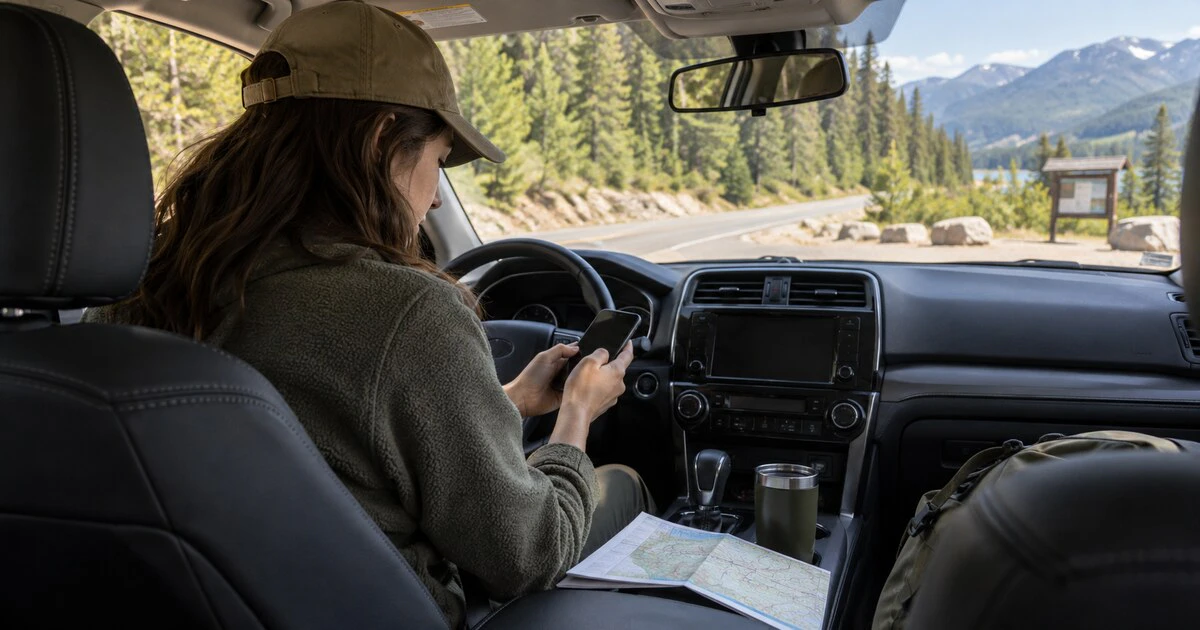
Navigation tends to fail at the point where you need it most: after the highway narrows, the signal disappears and the next turn is still 40 kilometres away.
Downloading a map takes a few minutes and can save mobile data as well as frustration. It is especially useful on Canadian rural roads, in national parks and anywhere mountains or distance make coverage unreliable.
Download more than the destination
Save an area large enough to include the full route, nearby fuel stops and a reasonable detour. A narrow download around the destination will not help if a road is closed before you arrive.
Check how much storage the map needs, download it over Wi-Fi if possible and keep automatic updates on. Then test it in airplane mode before leaving. Search for the destination and start a route while the phone is offline. That simple test catches an incomplete map or a missed download.
Apple Maps on iPhone
Apple's current iPhone guide gives two ways to save an area:
Touch and hold the map to drop a pin, then tap Download.
Tap your picture or initials, choose Offline Maps, then Add Offline Map.
Adjust the box until it covers the route and surrounding roads, then download it. Apple says downloaded areas can provide place information and turn-by-turn directions for driving, walking, cycling and transit when there is no Wi-Fi or cellular service. Availability still varies by country or region.
Automatic Updates is enabled by default. The same settings screen lets you restrict downloads to Wi-Fi, resize saved areas, delete maps or use Optimize Storage to remove maps that have not been used for a while.
Google Maps on Android or iPhone
In Google Maps, tap your profile picture, choose Offline maps, then Select your own map. Move and resize the area before tapping Download. You can also search for a place and use its menu to download the surrounding map.
Google's offline map documentation notes an important limit. Offline directions are for driving. Walking, cycling and transit directions are not available, and you will not receive live traffic or alternate routes. The entire driving route must remain inside the downloaded area.
Google Maps tries to update an expiring map automatically when it is connected to Wi-Fi. Open the Offline maps list before a long trip and confirm the area is current.
What an offline map cannot do
A downloaded road map is not a complete safety plan. It may not reflect a closure announced after the last update. It cannot call for help, and GPS use can drain a battery on a long day.
Before entering a remote area:
Save the address and coordinates of the destination.
Download a wider area than the route line.
Carry a charging cable and power bank.
Tell someone where you are going and when you expect to arrive.
Use a proper topographic or trail map for backcountry travel.
Keep a paper map when a wrong turn would have serious consequences.
If you expect to work from the road, also prepare for the connection itself. Mapletechie's guide to fixing a phone hotspot that other devices cannot join covers the common carrier, compatibility and password problems.
Offline navigation works best as preparation, not rescue. Download the map while the signal is strong, test it without data, and leave enough battery to use it when the road gets quiet.
Tags: offline maps, Apple Maps, Google Maps, travel technology, navigation