What End-to-End Encryption Still Leaves Exposed
Matthew Leo · Published August 19, 2026 · Software & Apps
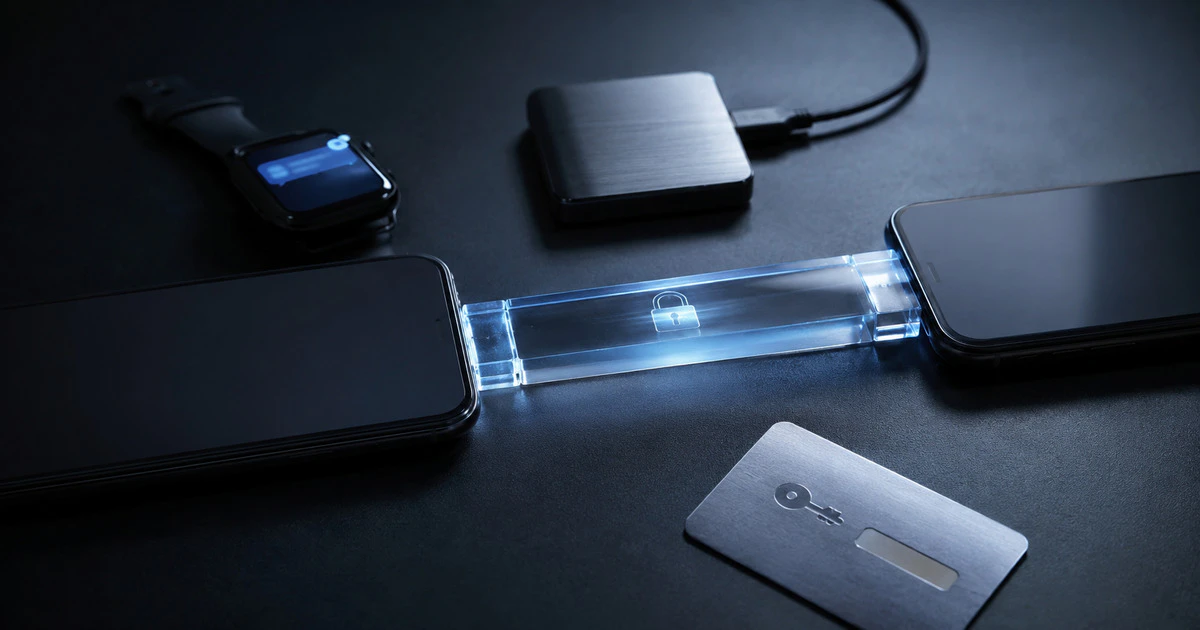
End-to-end encryption can stop a messaging company, internet provider or network attacker from reading a conversation in transit. It cannot stop someone holding your unlocked phone.
The phrase describes a protected path between endpoints. Those endpoints are usually the participants’ devices. Backups, notifications, account recovery, screenshots and metadata sit around that path, and each can create a separate exposure.
That does not make encryption decorative. It makes the boundary important.
What end-to-end encryption means
In a properly designed system, a message is encrypted on the sender’s device and decrypted only on the intended recipient’s device. The service carries ciphertext rather than the readable content and does not hold the key needed to unlock it.
WhatsApp says its end-to-end encryption covers messages, calls, photos, videos, documents and live location between participants. Apple says iMessage content and attachments are end-to-end encrypted while moving between devices.
Ordinary SMS and MMS do not gain that protection simply because they appear in the same phone app. A conversation can fall back to a different protocol when data service, settings or the recipient’s device changes.
The phone remains an endpoint
If malware, a shared passcode or an unlocked screen exposes the phone, the attacker sees the message after it has been decrypted for the user. Encryption did its job during delivery; the endpoint failed.
Use a strong device passcode, install security updates and review linked devices. Messaging services that offer desktop or web access can leave an old computer authorized long after the owner stops using it.
Disappearing messages reduce the history retained in a chat, but they cannot delete screenshots, forwarded copies or a photograph taken with another camera.
Backups may follow different rules
WhatsApp’s cloud chat backups are not protected by WhatsApp’s end-to-end encryption unless the user turns on end-to-end encrypted backup. The optional feature uses a password, passkey or 64-digit key depending on the platform and setup.
WhatsApp warns that encrypted backups rely on the chosen recovery method. Losing the password or key can make the backup inaccessible. Keeping that secret in the same cloud account weakens the separation.
Apple’s backup arrangement also depends on settings. Its iCloud security overview says Messages in iCloud is end-to-end encrypted under standard protection when iCloud Backup is disabled. When ordinary iCloud Backup is enabled, the backup can include a copy of the Messages encryption key. Turning on Advanced Data Protection extends end-to-end protection to iCloud Backup, but places more recovery responsibility on the user.
| Exposure point | Does message encryption solve it? | Useful control |
|---|---|---|
| Network interception | Yes, when the conversation remains end-to-end encrypted | Verify the protocol and security indicators |
| Unlocked or infected phone | No | Strong passcode, updates and device review |
| Cloud backup | Only if that backup is separately end-to-end encrypted | Enable protected backup and preserve recovery keys |
| Notification preview | No | Hide sensitive previews on the lock screen |
| Traffic metadata | Not completely | Read the service’s privacy documentation |
| Recipient screenshot | No | Share only with people you trust |
Metadata can still describe the relationship
A service may not read message content yet still process phone numbers, device information, connection times, group membership or abuse reports. The exact record varies by service and legal jurisdiction.
Metadata can reveal who communicated, when and from which network even when the words remain hidden. Claims such as “nobody can see your messages” should not be stretched into “the service knows nothing about you.”
Notifications and previews leak content
A message may arrive securely and then appear on a lock screen, smartwatch, car display or shared computer. Change notification settings so sensitive content appears only after unlocking.
Check wearable devices and operating-system notification history too. Removing a message from the app may not clear every preview already synchronized elsewhere.
Encryption does not prove identity
An encrypted conversation with the wrong person is still the wrong conversation. Account takeover, SIM swapping and social engineering can put an attacker behind a legitimate profile.
Use the service’s security-code or key-verification feature for high-risk contacts. Verify unusual requests for money, passwords or confidential files through another known channel.
Group chats add another identity problem: every new participant becomes an endpoint. Review membership before sharing sensitive material, particularly in old family, volunteer or workplace groups whose participants have changed over time.
Choose the recovery trade-off deliberately
Stronger backup encryption can reduce provider access, but it can also remove provider-assisted recovery. Before enabling it, decide where a recovery code or key will live and who can reach it during illness, loss or death.
A password manager emergency kit can help families preserve that route without placing the key in an obvious note. Mapletechie’s emergency-kit guide covers recovery codes and trusted access.
End-to-end encryption protects the most dangerous part of a message’s journey. Real privacy depends on what happens before the message enters that tunnel and after it comes out.
Tags: encryption, privacy, WhatsApp, iMessage, messaging apps