Erase a Smartwatch Safely Before Selling It
Matthew Leo · Published August 21, 2026 · Guides
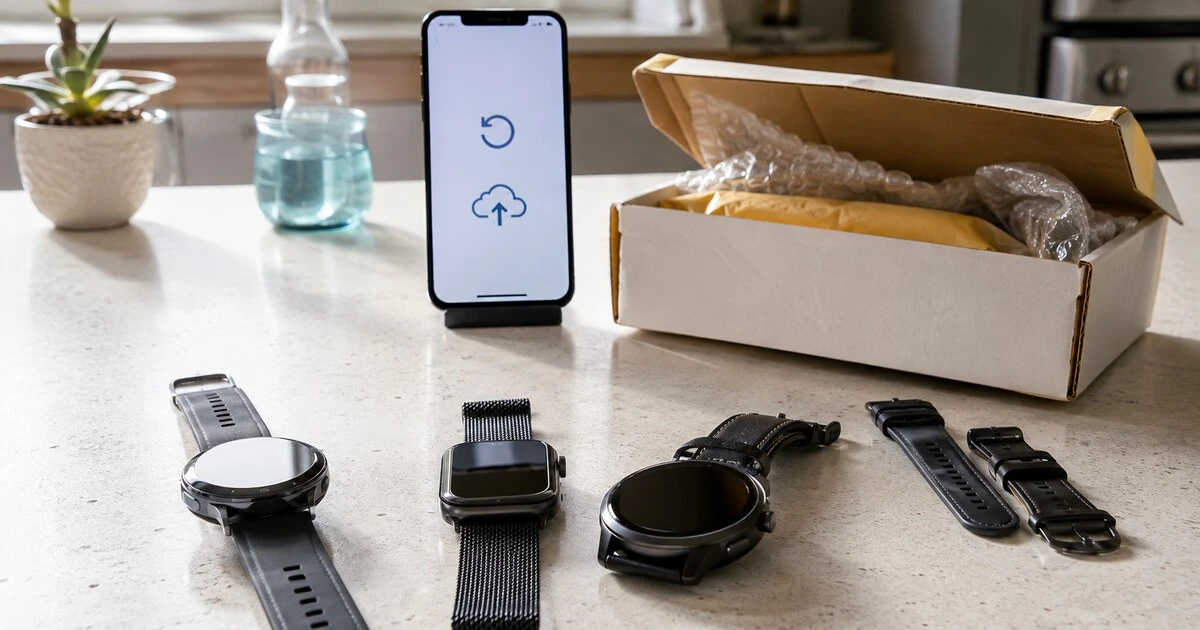
A smartwatch is not ready for a buyer simply because its screen shows a factory-reset message.
The watch may still be tied to your account, backed by an active cellular plan or missing health data that never finished syncing. The safe order is backup, unpair, remove service, verify the account lock is gone, and only then hand over the device.
This guide covers current Apple Watch, Google Pixel Watch and Samsung Galaxy Watch models. Menu wording can vary by generation and software version.
Confirm what you need to keep
Charge the watch and keep it beside its paired phone with Bluetooth and Wi-Fi available. Open the watch or health app and confirm that recent workouts, sleep records and other information have synchronized.
Do not assume every item is stored on the watch backup. Health history may be tied to the phone account, while downloaded music, payment cards and some settings may need to be added again. If you are moving to a new watch, set it up and verify important records before erasing the old one.
- Know the watch passcode and the password for the linked Apple, Google or Samsung account.
- Check whether the watch has an active LTE or cellular plan.
- Save any locally stored recordings or files that do not sync automatically.
- Finish pending software or account prompts before beginning the reset.
Apple Watch: unpair from the iPhone
For an Apple Watch, unpairing from the paired iPhone is better than erasing from the watch alone. Apple says unpairing restores factory settings and removes Activation Lock. Erasing directly on the watch does not necessarily remove that lock.
- Keep the Apple Watch and iPhone close together.
- Open the Watch app on the iPhone and select My Watch, then All Watches.
- Tap the information button beside the watch and choose Unpair Apple Watch.
- For a cellular model, choose to remove the plan if you are selling or giving away the watch.
- Enter the Apple Account password when requested. This disables Activation Lock.
- Wait until unpairing and erasure finish before turning off the watch.
Apple creates a current watch backup during the unpairing process, subject to its backup rules. If you no longer have the paired iPhone, you can erase the watch from Settings, General, Reset, Erase All Content and Settings. Apple warns that this route leaves Activation Lock in place, so remove the watch from the account separately before a sale.
Pixel Watch: disconnect, reset and erase the eSIM
Google’s current Pixel Watch handoff instructions begin with a charged, powered-on watch. On the watch, swipe down and open Settings, System, then Disconnect & reset. Choose Erase eSIM when that option appears and confirm.
Before doing this, open the Pixel Watch app on the phone and confirm a recent backup is available if you plan to restore it to another Pixel Watch. Backups can depend on the Google account and current software.
After the reset, review the devices connected to your Google Account. Removing an obsolete device entry helps clean up account access, but do not remove your current phone by mistake. If the watch has carrier service, confirm the line or wearable add-on is cancelled in the carrier account; erasing an eSIM profile does not guarantee that billing stops.
Galaxy Watch: back up before the reset
For recent Galaxy Watch models, use the Galaxy Wearable app and Samsung account to check available backup options first. Then reset from the watch.
Samsung’s current reset instructions direct users to Settings, General, Reset, then the confirmation checkmark. Older Galaxy and Gear models can use different menus, so consult the model-specific support page if General does not contain Reset.
A reset removes watch apps and local settings. Verify that Samsung Health data you want to keep is visible on the phone and synchronized with the intended account. Remove any cellular plan through the carrier or Galaxy Wearable app as applicable.
| Platform | Preferred sale method | Critical extra check |
|---|---|---|
| Apple Watch | Unpair in the Watch app on the iPhone | Activation Lock is removed and cellular plan cancelled |
| Pixel Watch | Disconnect & reset from Settings | Erase eSIM and verify Google Account devices |
| Galaxy Watch | Back up, then Settings > General > Reset | Samsung Health sync and carrier line status |
| Other Wear OS | Settings > System > Disconnect & reset | Manufacturer account lock and eSIM handling |
Cellular billing is a separate job
Removing an eSIM from a watch prevents that profile from connecting, but the carrier can continue charging for the wearable line. Sign in to the carrier account and look for the watch, NumberShare or companion-device add-on.
If self-service cancellation is unavailable, contact the carrier and keep the confirmation number. Check the next bill. This is especially important when the watch was financed or attached to a promotional phone plan; cancellation can affect discounts or a remaining device balance.
Verify the watch as if you were the buyer
After the reset, start the setup process without completing it. The watch should display its initial pairing screen and should not ask for the previous owner’s account password.
On an Apple Watch, a request for the former owner’s Apple Account credentials means Activation Lock remains. Return to the account and remove the device properly. On Wear OS models, review the linked Google and manufacturer accounts if setup still identifies the old owner.
Do not send the buyer a password to work around a lock. That exposes the account and fails to transfer the device cleanly.
Pack only what belongs with the sale
Remove payment cards, transit cards and building-access credentials before reset where the platform allows. Clean the watch and band using the manufacturer’s instructions. Avoid strong solvents that can damage seals or coatings.
Photograph the device, serial number and included accessories before shipping. Keep the courier receipt and tracking information. Do not place a loose watch against a metal charger or band inside the box; protect the screen and prevent movement.
If the reset fails, keep the watch. Restore connectivity, charge it fully and retry the official process. A buyer should never receive a device that still contains your data or depends on your account to activate.
Last verified August 21, 2026. Carrier cancellation and backup behaviour vary by watch, software version and account.
Tags: smartwatches, privacy, device resale, Apple Watch, Wear OS