That Package-Fee Text Is Probably a Scam
Matthew Leo · Published August 2, 2026 · Guides
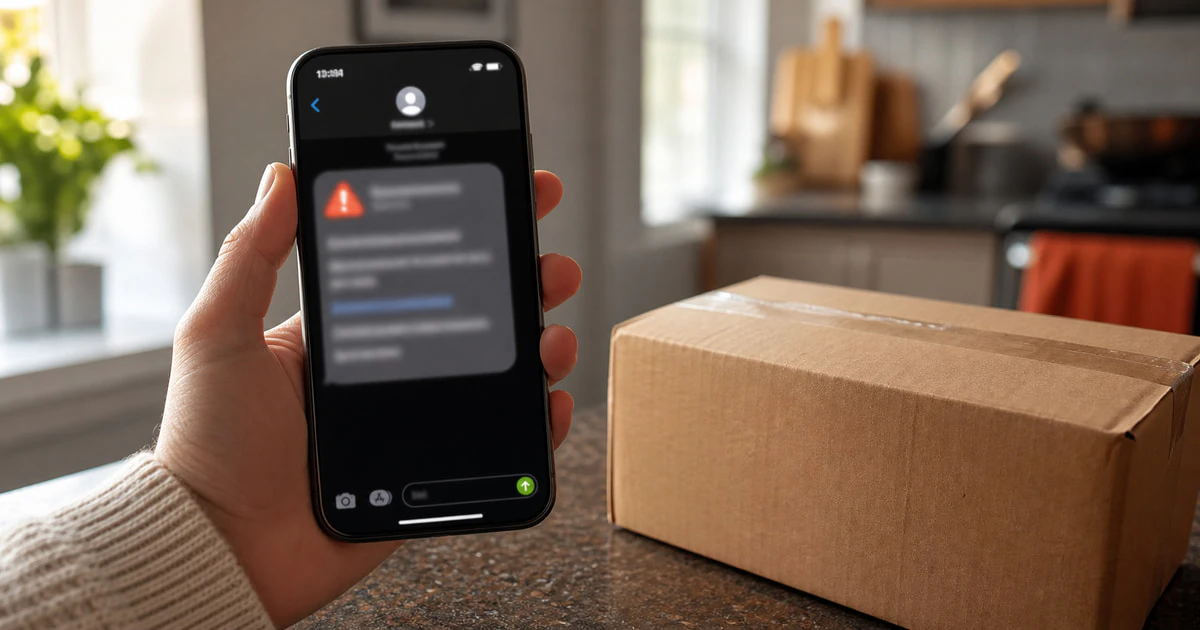
A text saying your package is waiting for a small payment is designed to catch you before common sense has time to load.
The fee may be only C$1.49 or C$2.73. The message may mention customs, an incomplete address or a final delivery attempt. It may arrive on the same day you are expecting a real package.
That timing does not prove the message is real. Package-fee texts are one of the easiest ways to push people onto a fake payment page.
Why these messages work
Most Canadians receive deliveries. Scammers do not need to know what you ordered or which courier is carrying it. They can send the same message to thousands of numbers and wait for it to reach someone expecting a parcel.
The small fee lowers your guard. People who would question a C$900 transfer may enter a credit-card number to prevent a package from being returned over C$2.
The real target is often not the fee. The fake page can collect your card number, security code, name, address, password or one-time banking code. Some pages ask for a second payment after claiming the first card failed.
Canada’s Cyber Centre warned in 2026 that sophisticated smishing campaigns were targeting Canadians. Interac also reported that 58% of Canadians surveyed had encountered a tariff-related scam in the previous six months, including messages about customs charges, delayed packages and import fees.
The safest rule: leave the text message
Do not use the message’s link, phone number or reply option to check whether it is real.
Open the retailer or courier app you already use. Type the courier’s official address into your browser yourself, or use the tracking link in the original order confirmation. If a payment or address correction is genuinely required, it should appear in the official account or tracking record.
This one habit defeats most package-text scams because it removes the attacker from the conversation.
Warning signs in a package-fee text
No single clue catches every scam, but several together should stop you.
- The message creates a short deadline or threatens immediate return.
- The web address uses extra words, unusual spelling or a domain unrelated to the courier.
- The sender asks for a tiny redelivery, customs or address fee.
- The text does not include a tracking number you recognize.
- The page asks for banking credentials or a one-time security code.
- The message tells you to reply before it reveals more information.
- The page looks polished but its buttons, policy links or language selector do not work.
Do not trust a message only because it appears in the same conversation as legitimate texts. Sender names and phone information can be spoofed. Canadian investigators have even warned about equipment capable of sending fraudulent messages that appear to come from trusted organizations.
What to do when you have not clicked
- Take a screenshot if you may need it for a report.
- Do not reply. A reply confirms that your number is active.
- Forward the message to 7726, which spells SPAM on a telephone keypad. Canadian carriers use these reports to investigate malicious messages.
- Use your phone’s report-junk and block controls.
- Check the parcel through the retailer or courier’s official app or website.
- Delete the message after preserving anything needed for a report.
What to do if you opened the link
Opening a page does not automatically mean your phone or account has been taken over.
Close the page. Do not download an app, install a profile, allow notifications or enter information. Update your phone and browser if updates are waiting. If the site persuaded you to install anything, remove it and seek help from the device maker or a trusted technician.
Be careful with follow-up messages. A scammer may know that you visited the page and try a second approach.
What to do if you entered card information
Lock or freeze the card in your banking app if that option is available, then call the number printed on the back of the card. Do not call a number from the text or fake website.
Tell the bank exactly what you entered, including whether you provided the card number, security code, online-banking password or a one-time code. Ask whether the card should be replaced and review recent transactions.
A small charge can be a test. Do not ignore it because the amount is low.
What to do if you entered a password
Change that password immediately from the real website or app. If you reused it anywhere else, change those accounts too. Start with email, banking, your mobile account and the shopping service the scam copied.
Sign out other sessions where the service provides that control. Turn on multi-factor authentication or a passkey. Never approve a sign-in notification or share a code you did not request.
If the password belongs to your email account, treat the situation as urgent. Email can be used to reset many other accounts.
Report losses and identity information
Report the incident to the Canadian Anti-Fraud Centre. Contact local police when money was stolen, threats were made or identity documents were exposed. Keep screenshots, transaction records, phone numbers and the fake web address.
If you provided a Social Insurance Number or identity document, follow the Government of Canada’s identity-fraud guidance and contact the relevant issuer. Consider alerts with Equifax and TransUnion when sensitive identity information may be in criminal hands.
Protect the person, not just the phone
Smishing works by creating emotion: urgency, curiosity, fear or relief. The best defence is a household rule that important messages are always checked through a separate official channel.
Explain that rule to children, older relatives and anyone who receives packages. Do it without embarrassment. Scams are designed by people who test wording, timing and page design until ordinary people make mistakes.
The wider privacy problem is the same one Mapletechie examined in Canada’s proposed social-media age-verification system: the safest service collects only what it truly needs. A delivery company should not need your banking password or a one-time login code to collect a shipping charge.
When a package message asks for money, stop. Leave the text. Check the real order. That short detour is usually all it takes to keep a C$2 trap from becoming a much larger loss.
Sources and further reading
- Canadian Cyber Centre smishing warning
- Competition Bureau: Scammers are hiding in text messages
- Interac survey on news-driven scams
- Canadian Anti-Fraud Centre
Tags: scams, Smishing, cybersecurity, Canada