Find an Unknown Bluetooth Tracker Following You
Matthew Leo · Published August 18, 2026 · Guides
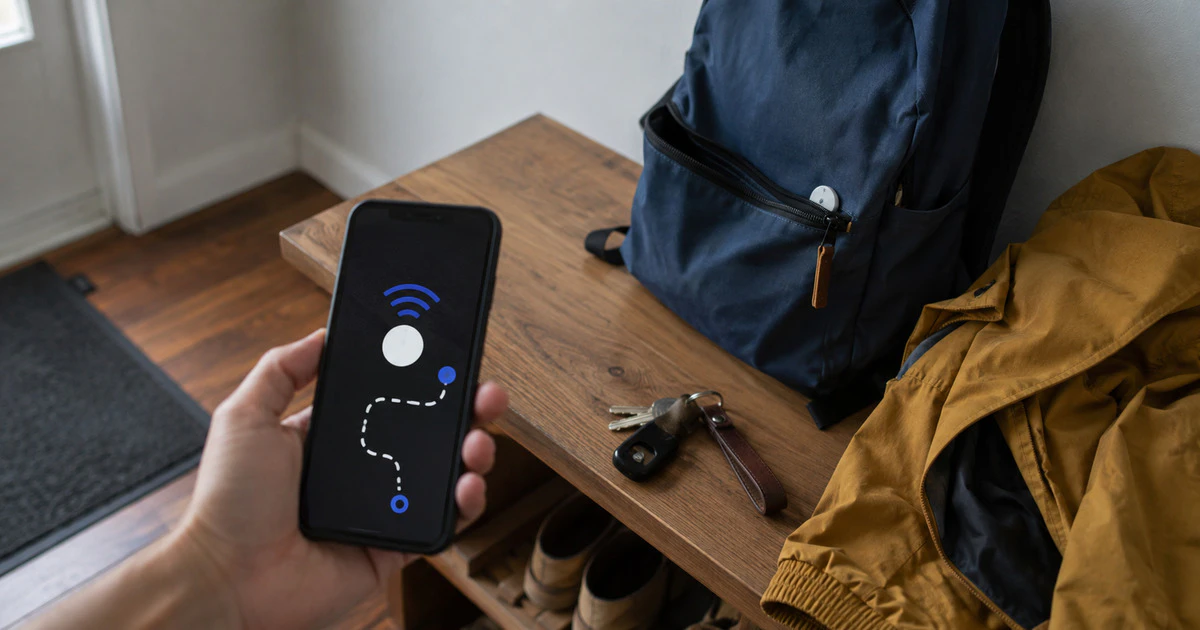
An unknown-tracker alert means your phone detected a Bluetooth tag separated from its owner and moving with you over time. It does not prove that someone is stalking you, but it deserves a careful check.
Do not immediately drive home, confront a suspected person or throw the tracker away. Move to a safe public place if you feel at risk, preserve the alert and use the phone’s built-in tools to locate the device. Call 911 in Canada if there is an immediate threat.
This guide covers current iPhones and iPads, plus Android phones with Google Play services. Menu names can vary slightly by manufacturer.
Preserve what your phone detected
Take screenshots of the alert, map, detection times and any identifier the phone shows. Write down when the alert appeared and which belongings or vehicle were with you during the route.
If you are in a potentially abusive situation, use a device the other person cannot access when seeking help. Changing shared-account settings can sometimes reveal that you are investigating. A shelter, police service or trusted person can help you plan the safest next step.
Check the alert on an iPhone
Apple says current unwanted-tracking protection can identify an AirTag, AirPods, Find My accessory or a compatible Bluetooth tracker that is separated from its owner and seen moving with you. On an iPhone or iPad, open the alert and tap Continue.
- Review the map showing where the tracker was detected.
- Choose Play Sound if the option is available.
- Use Find Nearby on supported iPhones when offered.
- Check bags, coats, mobility equipment and the exterior of a vehicle without crawling under it in an unsafe place.
- Open the instructions for identifying and disabling the tracker.
Apple’s current alert guide says iOS 17.5 or later provides cross-platform alerts for compatible devices. Bluetooth, Location Services and tracking notifications need to be enabled for the complete experience.
Precision Finding requires supported Ultra Wideband hardware. A missing button does not mean the alert is false; the tracker may be out of range, recently separated from its owner or incompatible with precision directions.
Run a scan on Android
Android can send automatic alerts and can also perform a manual scan. Open Settings, tap Safety & emergency, choose Unknown tracker alerts and tap Scan now. On some older Android versions, the feature appears under Google, then Personal & device safety.
Google says a manual scan takes about ten seconds. On Android 11 and newer it can work without the phone’s Location setting, although automatic travel alerts need location enabled.
Tap a detected tracker to view the map, play a sound and see available identification or disabling instructions. Google says the detection history is processed and temporarily stored in encrypted form on the device rather than shared with Google or other users.
Decide whether it is a harmless match
A borrowed backpack, rental car, family keys or luggage travelling with a group can trigger a legitimate alert. Ask the owner from a safe position. If the tracker is knowingly shared with you through Apple Find My or Google Find Hub, the system may suppress warnings while that sharing remains active.
Do not dismiss an alert only because the map starts at a busy airport or apartment building. Compare the detection route with the objects that stayed with you. Repeated alerts on separate trips deserve closer attention.
| Signal | What it may mean |
|---|---|
| Alert ends after returning borrowed keys | Likely a legitimate tracker separated from its owner |
| Same route appears on several days | Tracker may be travelling with you regularly |
| Sound will not play | Owner may be nearby, tracker may be out of range or its identifier changed |
| Tracker is attached inside a vehicle | Preserve evidence and seek police assistance |
Identify the tracker without exposing yourself
Many tags reveal a serial number or owner-provided contact details when held near an NFC-capable phone. Follow the alert’s instructions rather than installing an unknown app or visiting a link sent by a stranger.
Photograph the tracker in place before moving it. Record its serial number and physical location. If police may be involved, ask whether they want the device left where it is; handling it unnecessarily can disturb useful evidence.
Disable it only when that is the safe choice
The alert should provide model-specific instructions. An AirTag can be disabled by pressing its metal cover, rotating it counter-clockwise and removing the CR2032 battery. Other tags use different batteries or sealed designs.
Disabling stops location updates, but the owner may notice that the device went offline. In a domestic-violence or stalking situation, that change could affect your safety plan. Police or a support service can help decide when to disable it.
Do not destroy the tracker. Keep it and the battery separately if authorities advise you to remove it, and preserve screenshots outside the phone in case the alert later disappears.
If you cannot find the device
- Run another scan in a quiet location away from other people’s belongings.
- Retrace the route shown in the alert and inspect items that travelled the whole distance.
- Check removable vehicle items such as a child seat, cargo organizer or licence-plate frame.
- Ask police or a qualified mechanic to inspect a vehicle; do not climb beneath it at the roadside.
- Keep Bluetooth and tracking alerts enabled so another detection can establish a pattern.
An alert is a signal, not a verdict. The safest response preserves both possibilities: an innocent tag that briefly travelled with you and a deliberate device that may become evidence.
Tags: AirTag, Bluetooth trackers, personal safety, iPhone, Android