How to Find an AirTag That Is Tracking You
Matthew Leo · Published August 6, 2026 · Guides
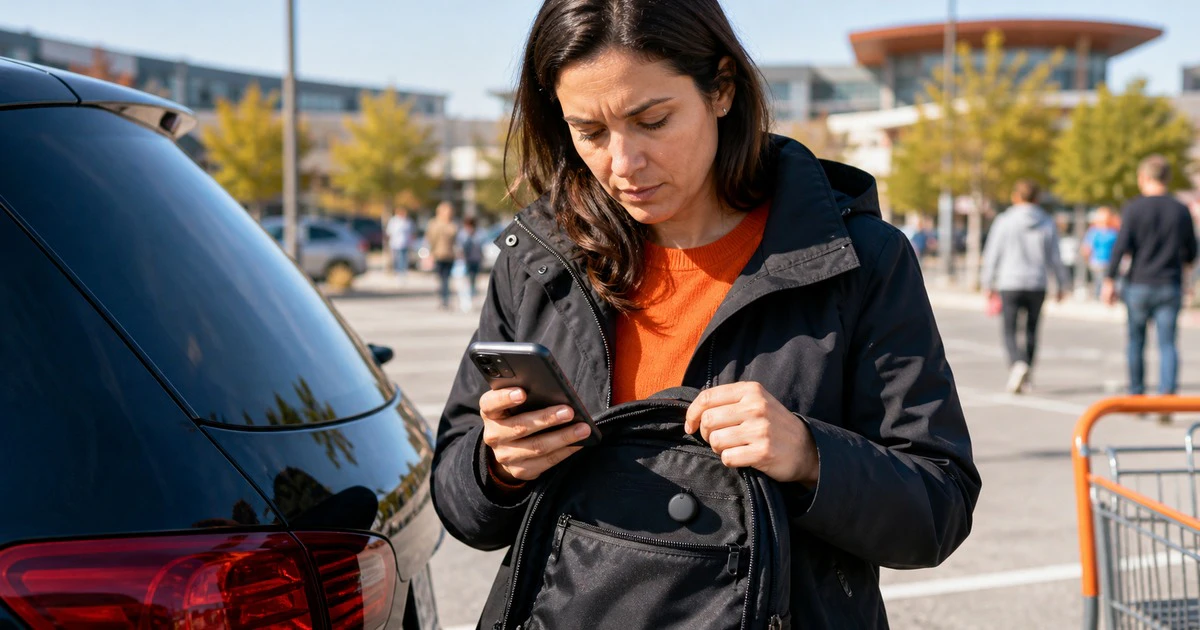
An alert that an unknown tracker is moving with you should be taken seriously, but it does not always mean someone is stalking you.
The device could be attached to borrowed keys, a shared bag or something left by a friend. It could also be hidden in a vehicle or personal item without consent. The right response is to check carefully, preserve useful evidence and make safety the first decision.
Both iPhone and Android can now warn about compatible Bluetooth trackers, including Apple AirTags. The steps are different, but the safety principle is the same.
If you may be in immediate danger
Go to a safe public place and contact local police or a trusted person. Call 911 in an emergency. Do not drive home if revealing your home address may increase the risk.
Do not confront a suspected person alone. Removing or disabling a tracker can tell its owner that something changed. Tech Safety Canada advises survivors to consider whether disabling location tracking could increase the risk of violence and to build a safety plan around that decision.
If the situation may involve a current or former partner, a shelter or victim service can help plan a response. Justice Canada maintains a directory of family-violence support services.
What an iPhone alert means
Apple says an iPhone or iPad can display an alert when an AirTag, certain AirPods, a Find My accessory or another compatible Bluetooth tracker is separated from its owner and seen moving with you over time.
To receive the broadest set of alerts, Apple says to use iOS 17.5 or later, keep Location Services and Bluetooth on, allow Tracking Notifications and turn off Airplane Mode. Older systems have some AirTag alerts, but iOS 17.5 expanded support to compatible trackers from other networks.
Tap the notification to see a map. The dots show places where the item was detected near the phone; they do not show when the owner checked its location.
How to find the tracker on iPhone
- Open the alert and tap Continue.
- Choose Play Sound and listen.
- If available, use Find Nearby for distance and direction.
- Check pockets, bag linings, jackets, child seats and places in a vehicle that are easy to overlook.
If the sound option is missing, the tracker may be out of range, near its owner or using a changed identifier. That does not prove the alert was false.
How to check on Android
Google's Unknown tracker alerts work on Android 6 and later. They currently cover Apple AirTags and compatible Find Hub network tags, headphones and earbuds.
When an alert appears, tap it to view the map and choose Play sound. Google says playing the sound does not notify the owner.
You can also run a manual scan:
- Open Settings.
- Tap Safety & emergency.
- Tap Unknown tracker alerts.
- Tap Scan now.
On Android 11 and later, Google says the manual scan can work even when the phone's location setting is off. The wording and menu path may vary by manufacturer.
Save information before disabling it
If it is safe, take screenshots of the alert, map and time. Photograph where the tracker was found without moving it first. Write down the route and anything unusual.
For an AirTag, hold the top of an NFC-capable phone near its white side. Apple's page says this can open a website with the serial number and the last four digits of the registered owner's phone number. Save that page. Police may ask for the tracker and its identifier.
Do not destroy the device if it may be evidence. Ask police how to handle it. Fort Saskatchewan RCMP has previously told people who receive an unrelated AirTag notification to contact their local police service for guidance.
Turning off Bluetooth is not enough
Turning off Bluetooth, Location Services or Airplane Mode on your phone does not stop the tracker's owner from receiving its location through other nearby devices. Apple and Google both make this clear.
To stop the device, follow the manufacturer's instructions shown in the alert. For an AirTag, this normally means removing its battery. Other trackers have different steps. Once disabled, the owner should stop receiving new location updates, but you may also stop receiving alerts about that item.
Check for other ways location may leak
A Bluetooth tag is only one method. Review location sharing in Find My, Google Maps, family accounts, social apps, photos, a connected car and delivery or ride-share accounts. A person with access to a shared Apple or Google account may not need a hidden tracker.
Use a safe device for account changes if you believe your phone is monitored. Change passwords, review signed-in devices and turn on strong two-factor authentication. Mapletechie's practical guides cover more ways to secure everyday technology.
Do not dismiss the alert
Most alerts will have an innocent explanation. The safest response is still to look. Keep calm, use the phone's tools and make decisions in an order that protects you.
Find the device if you can. Save the evidence if it is safe. Disable it only when doing so will not create a larger risk.