Make Sure Emergency Alerts Work on Your Phone
Matthew Leo · Published August 15, 2026 · Guides
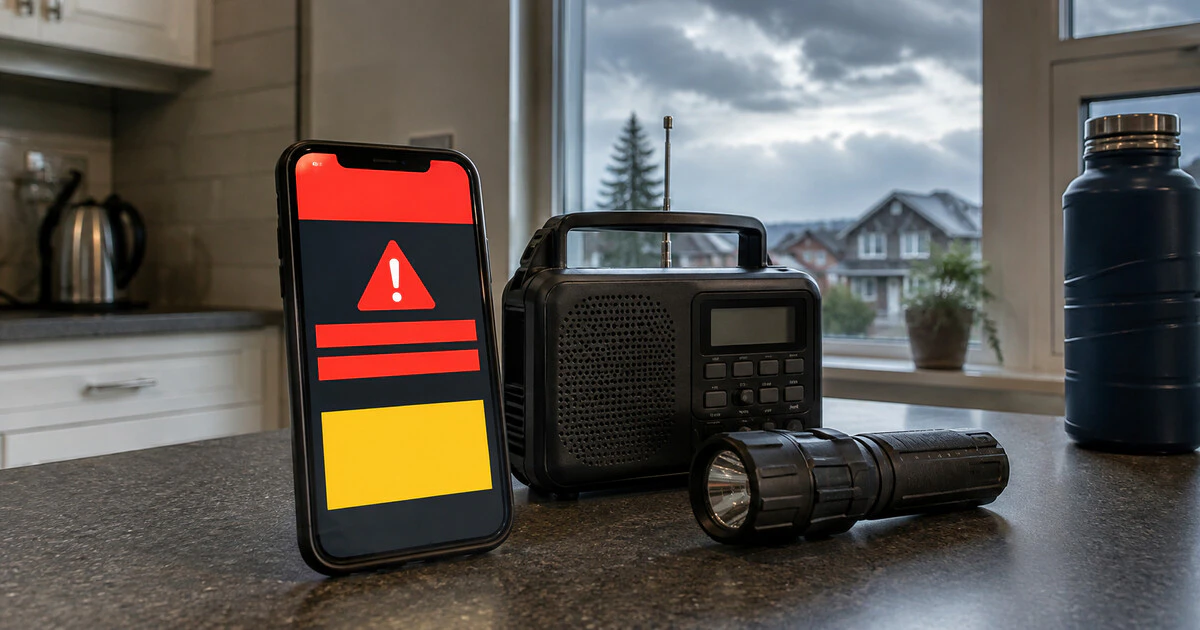
A phone can be new, fully charged and sitting beside you yet still miss a Canadian emergency alert.
Alert Ready uses Wireless Public Alerting, a cellular broadcast system for life-threatening emergencies. Receipt depends on the device, its software and its connection when the alert is sent. Wi-Fi by itself is not enough.
This guide applies to smartphones used on Canadian mobile networks. Menu names vary by manufacturer, and the carrier's compatibility list is the deciding reference for a particular model.
Check the three requirements first
Alert Ready says three conditions must be met. The phone must support Wireless Public Alerting, run current operating software and be connected to an LTE or 5G cellular network when the alert is issued—or join while the alert remains active.
- Open Alert Ready's wireless page and choose your carrier.
- Find the exact phone model, including its regional model number where the carrier lists one.
- Install the latest stable iOS or Android update available for that device.
- Confirm that LTE or 5G mobile service is enabled.
A model sold and certified by a Canadian carrier is the safest starting point. An imported phone may support the right radio bands but still lack the carrier software or certification required for Wireless Public Alerting. Mapletechie's imported-phone checklist explains why band support alone does not settle Canadian compatibility.
Wi-Fi does not carry the broadcast
A common failure is leaving the phone in Wi-Fi-only mode. Alert Ready's Android and Apple guidance says a compatible device must be connected to LTE or 5G. A strong home Wi-Fi signal cannot replace that cellular connection.
Turn off airplane mode and confirm that the status bar shows mobile service. If you deliberately disable cellular access at home, remember that the phone may not receive a wireless alert even though Internet applications continue working over Wi-Fi.
Coverage at the moment of transmission also matters. Underground garages, elevators and remote areas can block the signal. A voice call may prevent receipt on some network and device combinations, particularly if the call moves the phone away from LTE or 5G service.
Review sound and attention settings
Do not assume every phone handles silent mode identically. Alert Ready's device guidance says Android alerts generally follow the user's volume and Do Not Disturb settings. On compatible Apple devices, the alert may override silent or Do Not Disturb, but it can still be missed or appear among other notifications.
Before severe weather or a scheduled public test:
- Raise the notification or system-alert volume.
- Make sure vibration works if you rely on it.
- Review Do Not Disturb or Focus settings and allowed alerts.
- Check whether repeated alert reminders are enabled or disabled as you prefer.
- Keep the phone where cellular reception is reliable.
Canadian broadcast alerts are not ordinary app notifications. Installing a weather application does not enable Alert Ready, and deleting one does not disable the cellular system.
If another phone received the alert and yours did not
First compare like with like. Two people a few streets apart can be connected to different cell sites, and alerts are geographically targeted. A phone outside the affected area should not receive the message merely because a nearby municipality did.
If compatible phones on the same carrier and in the same place behaved differently, work through this order:
- Record the alert date, time and location.
- Confirm that your phone had LTE or 5G service and was not in airplane mode.
- Restart the phone and install pending system and carrier-setting updates.
- Check the exact model against the carrier's current compatibility list.
- Ask the carrier to confirm that the device and account support Wireless Public Alerting.
- Report the details through Alert Ready's support route if the carrier cannot explain the failure.
Do not call 911 to test or troubleshoot a phone. Emergency lines are for immediate threats to life, health or property.
Changing carriers can change compatibility
Bringing a phone to another provider can produce an awkward result: calls and data work, but Wireless Public Alerting does not. Alert Ready notes that software-update timing can affect compatibility when customers switch carriers with their own devices.
Before moving service, check the destination carrier's list using the complete model number found in Settings. Ask specifically about Wireless Public Alerting rather than general network compatibility. Keep the answer in writing when emergency notifications are important for a medical, accessibility or remote-work plan.
Keep a second warning route
No single phone can guarantee delivery. A dead battery, damaged tower, coverage gap or brief network condition can defeat even a properly configured device.
Use at least one independent source: local radio, a weather radio, official provincial or municipal alert subscriptions, or a trusted weather application with notifications enabled. People who are deaf, hard of hearing, blind or partially sighted should also review the accessibility features available on their device and ask the carrier about supported services.
Alert Ready is designed to interrupt ordinary life because the message is urgent. A ten-minute check now is more useful than discovering during a wildfire, tornado or evacuation that the phone was compatible only on paper.
Tags: Alert Ready, emergency alerts, smartphones, Canada, public safety