Move an eSIM to a New Phone Without Losing Service
Matthew Leo · Published August 16, 2026 · Guides
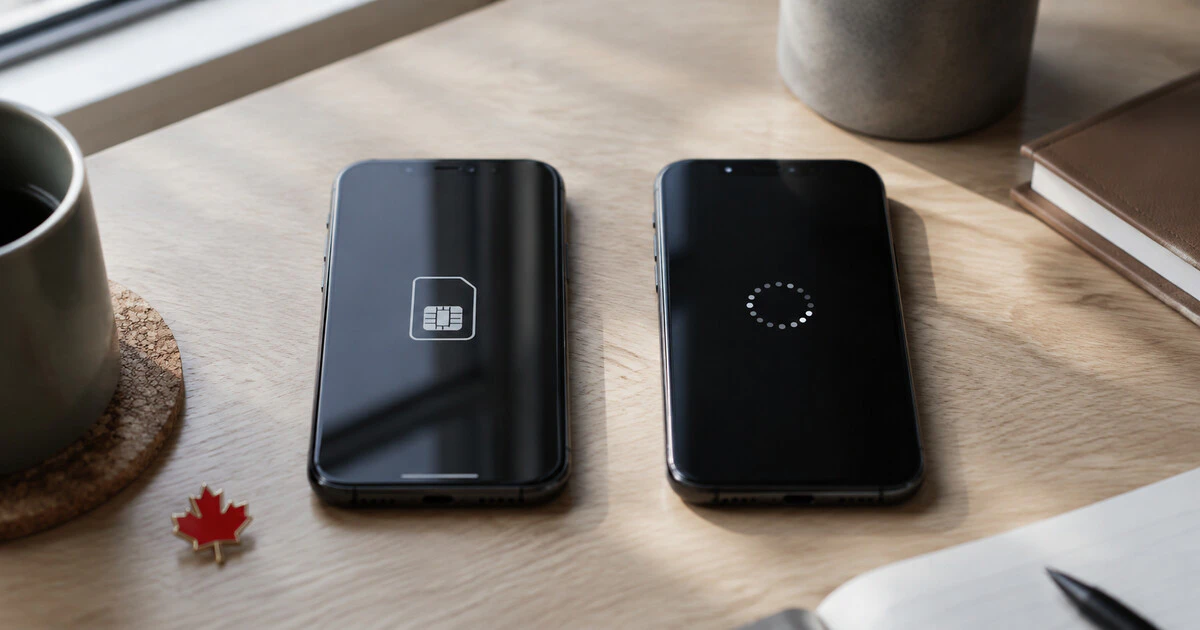
Transfer the eSIM before wiping the old phone, and keep account access open on another device until the new one can make a call.
An eSIM is a downloadable carrier profile rather than a removable card. Moving the phone's data does not necessarily activate that profile on the replacement device. Canadian carriers may use a built-in phone transfer, an account portal, an application or a newly issued QR code.
This guide focuses on current Rogers and Bell consumer service, with checks that also apply to other Canadian carriers. Confirm the provider's own instructions before starting because prepaid, business and managed accounts may use different routes.
Prepare before the old line goes offline
You may need a verification text sent to the number being moved. Sign into the carrier account on a computer or the old phone first, verify the email and recovery information, and make sure you know the account password.
- Update both phones and charge them.
- Connect the new phone to trusted Wi-Fi.
- Confirm that the exact new model supports the carrier's eSIM service.
- Record which line handles voice, data and iMessage or RCS on a dual-SIM phone.
- Keep the old device turned on until activation finishes.
- Do not erase a carrier QR code until the new profile works.
If the phone was imported, verify Canadian network and eSIM compatibility first. Mapletechie's imported-phone guide covers model numbers, VoLTE and other differences that can survive an apparently successful activation.
Use the carrier route, not a random QR code
Rogers lets eligible customers transfer an eSIM through MyRogers. Its current instructions direct the customer to Activate eSIM, choose the number, complete verification or an identity check and scan the displayed QR code with the new phone.
Bell supports eSIM management through MyBell and also points eligible Apple devices to eSIM Quick Transfer. Bell's change instructions say to have both devices available.
Carrier-branded QR codes are credentials. Do not buy one from a marketplace seller, reuse an old screenshot or post it to a support forum. A code can expire, be limited to one activation or connect a line controlled by someone else.
Try the phone's built-in transfer when supported
During setup, a recent iPhone may offer transfer from a nearby iPhone. Keep Bluetooth on, place both devices together and follow the approval prompt on the old phone. Availability depends on the carrier, account and software version.
Some Android manufacturers provide a similar eSIM transfer during device setup. A successful data copy does not prove the cellular line moved; look for the carrier name and signal on the new phone, then perform the tests below.
If the built-in method fails, stop repeating it after a few attempts. Use the carrier account route or contact official support. Repeated profile downloads can create inactive duplicates that make troubleshooting harder.
Test more than the signal bars
| Test | What it confirms |
|---|---|
| Outgoing call | Voice registration and the correct primary line. |
| Incoming call | The number routes to the new device. |
| SMS sent and received | Verification messages can reach the phone. |
| Mobile data with Wi-Fi off | The data profile and access point work. |
| Voicemail | The carrier service remains attached correctly. |
| Wi-Fi Calling | The feature and emergency address are registered. |
Do not place a test call to 911. Verify the emergency address through the carrier's Wi-Fi Calling settings and use ordinary calls for activation testing.
On iPhone, confirm that iMessage and FaceTime show the correct number. On Android, check RCS status in the messaging application. Those services can take time to re-register after the carrier line moves.
Dual-SIM phones need an extra review
A travel eSIM or work line can remain installed while the main Canadian line moves. Open cellular or SIM settings and label each profile clearly. Choose the default for calls, messages and mobile data, and decide whether automatic data switching should be allowed.
Be careful with roaming. A secondary travel profile may have cheap data abroad while the Canadian line still incurs roaming charges for usage. Moving profiles does not change either plan's billing rules.
Recover from a failed transfer
If both phones lose service, remain on Wi-Fi and sign into the carrier portal. Do not delete the new profile unless the carrier tells you to; it may be partially activated.
- Restart the new phone and install any carrier-setting update.
- Confirm the eSIM line is enabled in cellular settings.
- Check the carrier account for the active device or SIM identifier.
- Use official chat, telephone support or a carrier store for a replacement profile.
- Bring government identification and account authorization if visiting a store.
Changing the active SIM can trigger fraud controls because SIM swaps are used to steal verification codes. An identity check or temporary pause is inconvenient but legitimate when it occurs through the provider's official channel.
Erase the old phone last
After the new phone passes every test, remove the old eSIM if it remains visible, sign out of personal accounts and factory-reset the device. Confirm that activation protection has been removed if the phone is being sold or traded.
A smooth eSIM transfer feels slower than moving a plastic card because the security checks are part of the process. Ten careful minutes are cheaper than losing the line used to recover every other account.
Tags: eSIM, Canadian carriers, smartphones, Rogers, Bell