Recover Deleted Photos Before the Trash Empties
Matthew Leo · Published August 19, 2026 · Guides
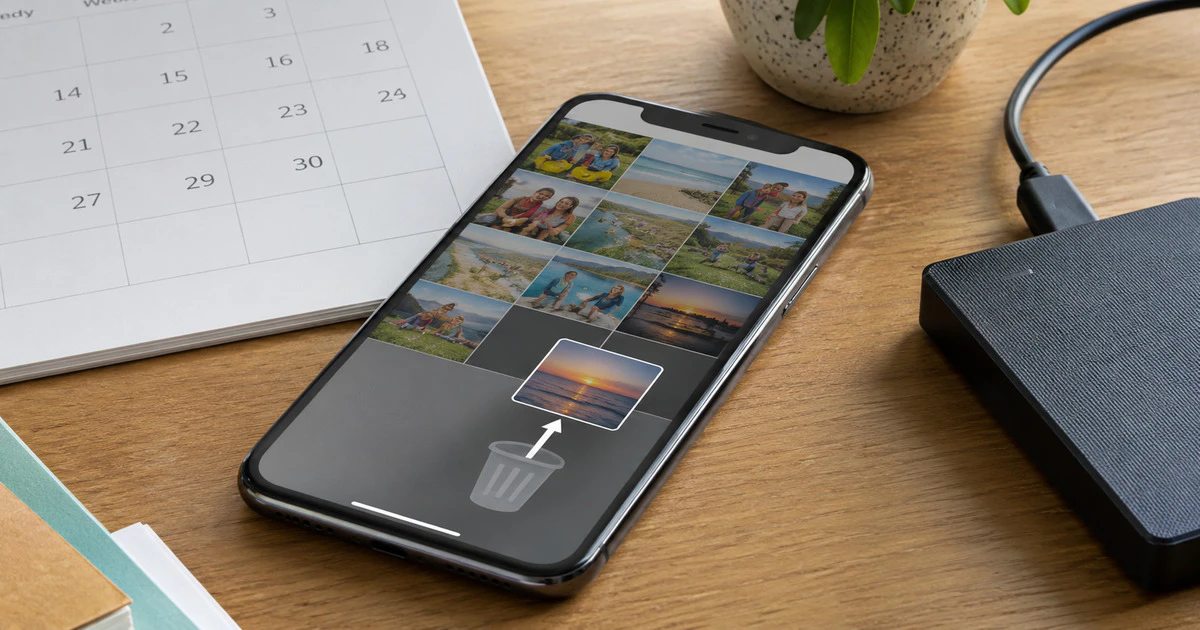
If you deleted an important photo, stop cleaning storage and check the trash immediately. Apple Photos normally keeps deleted items for 30 days; Google Photos keeps backed-up items in Trash for 60 days and many unbacked items for 30 days.
Do not install random “photo recovery” apps first. Modern phones encrypt storage, reuse free space and synchronize deletions across devices. Extra downloads and camera use can overwrite the small chance that specialized recovery still exists.
This guide covers current iPhones, iPads and Android phones using Apple Photos, Google Photos or a manufacturer gallery. Work-managed devices and third-party backup services may follow different rules.
Check Apple’s Recently Deleted album
On an iPhone or iPad, open Photos, tap Collections, swipe to Utilities and open Recently Deleted. Unlock the album with Face ID, Touch ID or the device passcode.
- Tap Select.
- Choose the missing photos or videos.
- Tap the More button.
- Select Recover and confirm.
Apple says items remain there for 30 days. The album displays the remaining time. After the countdown ends, Apple describes the deletion as permanent.
If iCloud Photos is enabled, deleting on one device deletes the item across devices using that library. Do not assume an iPad or Mac holds an untouched copy; disconnecting it after synchronization may be too late.
Also check the Hidden album and Shared Library. A photo that was moved, hidden or contributed to a shared library can look deleted when it is still present.
Check Google Photos Trash
Open Google Photos, tap Collections and then Trash. Touch and hold the item, choose other files if needed and tap Restore. The photo should return to the Google Photos library, its previous albums and the phone’s gallery when applicable.
Google’s recovery guide says an item not present in Trash may already be permanently deleted. Google’s deletion documentation adds that Takeout cannot restore permanently removed content.
Confirm that you are signed into the right Google Account. Many missing-photo cases are an account mismatch, especially after changing phones or mixing personal, school and work accounts.
Check the phone maker’s gallery
Samsung Gallery, OnePlus Photos and other manufacturer apps can have a recycle bin separate from Google Photos. Open the gallery’s menu and look for Trash, Recycle bin or Recently deleted.
A photo can exist in one trash but not another depending on which app deleted it and whether cloud sync was active. Search both before concluding that the file is gone.
| Place to check | Typical window | Main caution |
|---|---|---|
| Apple Photos Recently Deleted | 30 days | iCloud deletion synchronizes across the library |
| Google Photos Trash | 60 days backed up; often 30 days unbacked | Wrong Google Account can hide the expected library |
| Manufacturer gallery bin | Varies | May be separate from Google Photos |
| OneDrive, Dropbox or another service | Plan and service dependent | Cloud recycle bins may require a web sign-in |
Search backups without overwriting the current phone
Check a computer import folder, external drive, NAS and other cloud accounts. Search by the date the photo was taken rather than the date it was copied. Messaging apps may contain a lower-quality version sent to someone else.
An iPhone device backup is not a simple folder from which one picture can always be extracted. Restoring an older backup may replace current device data. Make a current backup first and understand what the restore will overwrite.
For Google Photos, a phone backup and the Photos cloud library are different systems. Restoring Android settings will not recreate a cloud photo that was permanently deleted from Google Photos.
If the phone is damaged or will not start
Do not repeatedly power a wet or failing phone. Disconnect it from charging if it is hot, swollen or physically damaged. A reputable repair shop may be able to restore operation long enough to copy data, but replacing the main board can leave the original encrypted storage inaccessible.
Ask for data recovery rather than a factory reset. Get the quote and privacy terms in writing, and avoid giving an account password when a temporary device passcode is sufficient.
Be sceptical of recovery software
Many desktop programs advertise deep scans but recover only thumbnails, cached copies or files already present in a backup. Some demand payment after displaying filenames they cannot restore.
- Do not root or jailbreak the phone for an unverified tool.
- Do not send an unlocked device to an unknown mail-in service.
- Ask what data the company collects and where technicians work.
- Pay only after the provider explains the recovery method and likelihood.
- Preserve the original device until recovered files are verified.
Prevent the next deletion from becoming permanent
Use cloud photo backup if its privacy and cost fit your needs, but keep another copy of irreplaceable pictures outside the synchronized library. Sync is useful, yet it can faithfully copy a deletion.
Export important albums periodically to an external drive or another independent backup. Test several files before trusting it. Mapletechie’s 3-2-1 backup guide explains the broader approach.
Recovery begins with the least dramatic option: the trash folder. Check it before the clock, a cleanup app or a factory reset turns a reversible mistake into a permanent one.
Tags: photo recovery, iPhone, Android, Google Photos, iCloud