Recover a Hacked Facebook Account Without Getting Scammed
Matthew Leo · Published August 6, 2026 · Guides
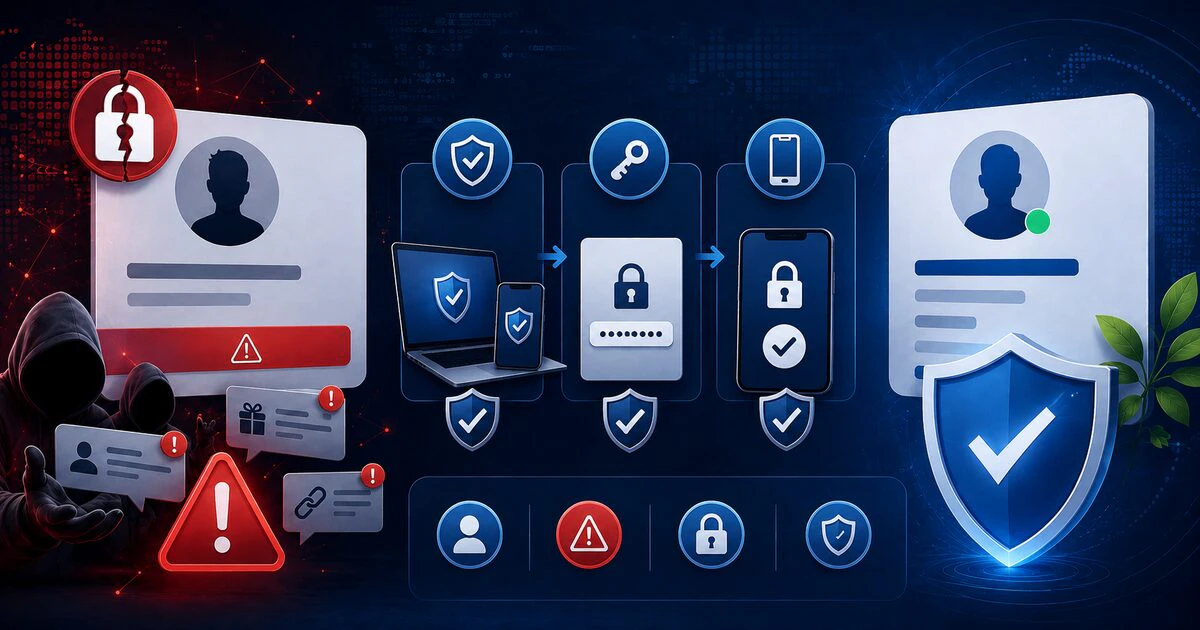
A person offering to “recover” your Facebook account through private messages is more likely to steal your money than return the profile.
Use Meta’s official recovery system, beginning on a device Facebook already recognizes. Then secure the email account, active sessions, Pages, advertising access and payment methods connected to the profile.
The order matters. Changing one Facebook password is not enough when the attacker still controls the email address used to reset it.
Start at Facebook’s official recovery page
Facebook directs compromised users to facebook.com/hacked. If possible, open it on a phone or computer previously used to sign into the account.
A familiar device, browser and location can help Facebook recognize the request. Avoid switching repeatedly between devices, private windows and VPN locations during recovery unless the ordinary device is unsafe.
Enter the official address yourself rather than following a link from a direct message, search advertisement or unsolicited email. A convincing copy of Facebook’s login page can capture the password you are trying to protect.
If the attacker changed the contact information, continue through Facebook’s identification prompts. The checks offered can differ according to the account, device and information still available.
Secure the connected email account
Your email usually controls the reset route into Facebook. Recover it first—or at least simultaneously—if someone else can read messages, create forwarding rules or reset passwords.
From a trusted device:
- Change the email password to a unique one.
- Review signed-in devices and remove unfamiliar sessions.
- Check recovery email addresses and telephone numbers.
- Remove forwarding rules and filters you did not create.
- Enable two-factor authentication.
- Save recovery codes somewhere separate from the account.
Do the same for the mobile account if the telephone number may have been transferred or compromised. Contact the carrier when calls or text messages suddenly stop working without explanation.
Remove the attacker’s Facebook access
After regaining the Facebook account, open Accounts Center, Password and security. Review where the account is logged in and end every session you do not recognize.
Then change the Facebook password. Do not reuse the old password with a number added to the end; attackers test predictable variations.
Facebook’s Security Checkup reviews the password, two-factor authentication and login alerts. Run it after recovery even when the account appears normal.
Use an authenticator application or security key when practical. Text-message authentication is still better than a password alone, but it depends on continued control of the telephone number.
Check what changed inside the account
An attacker may use a profile without obviously changing its name or photograph. Review:
- Recent posts, comments, messages and friend requests
- Email addresses and telephone numbers attached to the account
- Connected applications and websites
- Accounts linked through Accounts Center
- New administrators or access granted to Pages
- Advertising accounts, campaigns and spending limits
- Saved payment methods and Meta Pay activity
Take screenshots of unauthorized activity before deleting it. Those records may help with a payment dispute, employer report or police complaint.
Tell contacts to ignore recent requests for money, verification codes or investment offers. Do not merely post that the account was hacked if the attacker may still be able to delete the warning.
Recover a Facebook Page separately
Regaining the personal profile does not guarantee that Page access has been restored. An attacker may remove the legitimate administrator or add another account with full control.
Facebook provides a separate hacked-Page recovery process. Submit the official form while signed into the profile that previously managed the Page.
After restoration, inspect every person and business account with Page access. Remove unknown entries and confirm that legitimate colleagues still have only the permissions they require.
A business should also review Meta Business tools, advertising accounts, pixels, catalogues and connected Instagram accounts. Small unauthorized advertising campaigns can become expensive before they are noticed.
Contact the payment provider when money moved
If the attacker purchased advertisements or used a stored payment method, preserve the transaction details and contact Meta through the relevant billing process.
Also notify the card issuer or financial institution promptly. Explain that the account was compromised and identify the transactions being disputed.
Do not issue a chargeback casually for legitimate advertising activity. Provide dates, amounts and evidence so the institution can distinguish fraud from ordinary account use.
Do not pay an account-recovery stranger
Common warning signs include someone claiming to know a Meta employee, requesting cryptocurrency, asking for a verification code or promising recovery through a hidden administrative tool.
A verification code proves control of your login. Anyone asking you to forward it may be completing a password reset against you.
Do not install remote-access software for a stranger who found you through social media. Do not send identity documents through an unofficial form, and never pay a “refundable deposit” to release an account.
Preserve evidence if the account caused harm
Keep copies of security emails, login alerts, unauthorized messages, advertisements, payment records and recovery correspondence. Record when access was lost and restored.
For a business account, document which employees had access and whether customer messages or personal information may have been exposed. A compromise involving regulated or sensitive information may require professional privacy and legal assessment.
Finish with a clean security baseline
- Secure the email and mobile accounts.
- Recover Facebook through facebook.com/hacked.
- Change the password and remove unknown sessions.
- Enable two-factor authentication and login alerts.
- Inspect Pages, applications, advertisements and payments.
- Warn contacts and preserve evidence.
- Update any other account that reused the password.
The recovery is complete when the attacker has lost every route back—not merely when the profile photograph appears again.
Tags: Facebook, account recovery, scams, two-factor authentication, cybersecurity