Stop Scam Calls Without Missing the Ones That Matter
Matthew Leo · Published July 31, 2026 · Guides
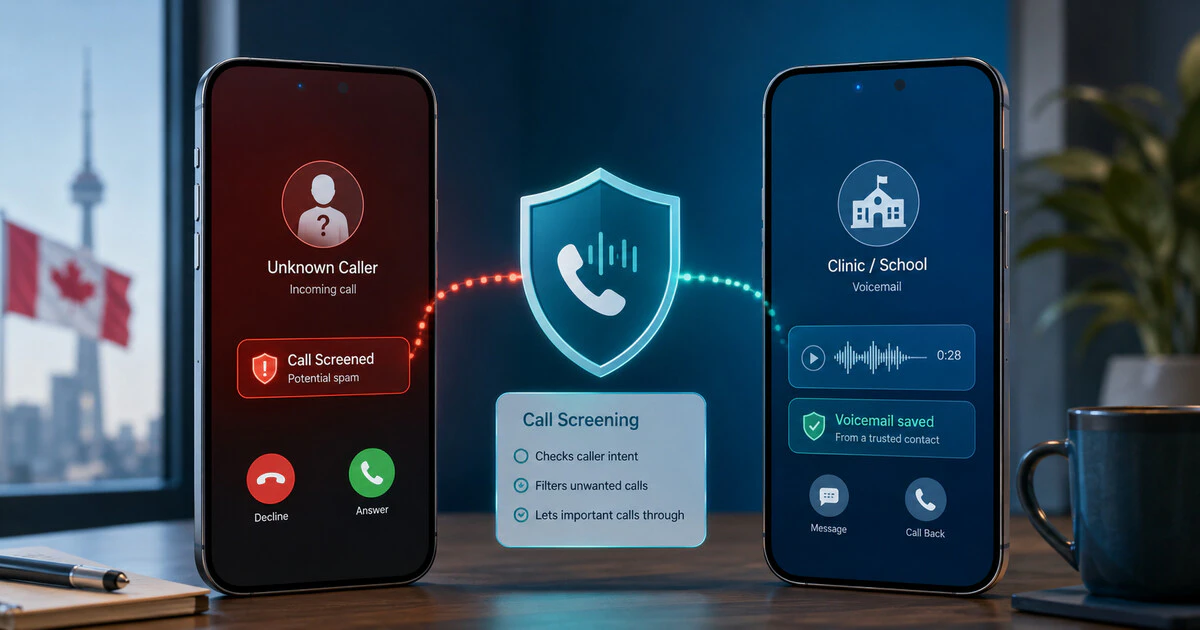
The safest response to an unexpected call is not trusting the name glowing on the screen.
Caller ID can be spoofed. A call that appears to come from a bank, police service or mobile carrier may have originated somewhere entirely different.
The CRTC advises Canadians to hang up and independently contact an organization when they are uncertain about a caller’s identity.
Phone filtering helps, but silencing every unknown number can also hide calls from medical offices, schools, delivery drivers and employers. The better setup screens suspicious callers while preserving voicemail and recovery options.
The Canadian rule that stops most phone scams
When a caller requests a password, account PIN, verification code, payment or remote access:
- End the call.
- Do not call a number supplied by the caller.
- Find the official number on a statement, bank card or verified website.
- Call the organization yourself.
This remains necessary even when caller ID displays the correct company name or telephone number.
The Canadian Anti-Fraud Centre is currently warning about mobile-provider impersonation scams. Fraudsters offer discounts or new devices and then request login credentials, identity documents, PINs or multi-factor authentication codes.
A legitimate customer-service agent does not need the one-time security code sent to prove that you control an account.
Choose the right iPhone call-screening level
On a current iPhone, open:
- Settings
- Apps
- Phone
- Screen Unknown Callers
Apple currently provides three choices:
- Never: unknown calls ring normally.
- Ask Reason for Calling: the phone asks an unknown caller for their name and reason before ringing.
- Silence: unknown calls go directly to voicemail.
Ask Reason for Calling is the most balanced option when available. It adds friction for automated fraud calls without making every legitimate unknown caller disappear.
Use Silence when spam is overwhelming and important callers reliably leave voicemail. Avoid it when expecting time-sensitive calls from numbers that may not be saved.
Keep carrier-identified spam out of the main call list
In the Phone settings, review Call Filtering and enable spam filtering when supported by the carrier.
Apple says calls identified by a carrier as spam or fraud can be silenced, sent to voicemail and placed in a separate Spam list.
No filter identifies every malicious caller. A fraudulent call can pass through, while an unfamiliar legitimate business can occasionally be flagged.
Review voicemail and filtered-call lists periodically—especially while waiting for a medical appointment, job response or important delivery.
Set up Google Call Screen on supported Android phones
Google’s Call Screen is available in Canada on Pixel phones and selected Android devices using Google’s supported Phone application.
To check:
- Open the Phone application.
- Tap the menu or profile icon.
- Open Settings.
- Select Spam and Call Screen or Call Screen.
When an unknown call arrives, tap Screen call. Google Assistant asks who is calling and why. The response appears as a transcript, allowing the user to answer, reject or request more information.
Google says manual Call Screen is available in Canada, while fully automatic screening remains more limited by country and device.
Call Screen does not require Wi-Fi or mobile data, but carrier calling charges may still apply. It may not work while roaming and can conflict with some call-forwarding or call-recording services.
Other Android phones still have useful controls
Samsung and other manufacturers provide their own caller-identification and spam controls. Menu names and data providers vary.
Look in the Phone application under settings named:
- Caller ID and spam
- Spam protection
- Block numbers
- Unknown callers
Enable the least aggressive setting first. Confirm where blocked calls and voicemail appear before turning on a blanket unknown-caller block.
If a telephone application asks to upload contacts or call information, review its privacy policy before granting access. Filtering a nuisance call should not require casually surrendering the address book.
Filter unknown and spam messages on iPhone
On iOS 26, open Messages, tap Filters and select Manage Filtering.
Apple’s Screen Unknown Senders control moves messages from unfamiliar numbers into a separate area. Time-sensitive notifications can still be allowed.
Apple also documents a Spam folder for messages its system identifies as unwanted. Spam filtering and exact availability can depend on region, carrier and software version.
Check filtered messages after placing an order, requesting a verification text or giving a business your number. An unfamiliar sender is not automatically malicious.
Report spam without replying
Do not respond with “STOP” unless the message came from a legitimate organization whose messages you previously requested.
Replying to an obvious scam can confirm that the number is active.
Use the phone’s Report Junk or Report Spam control instead. Block the sender after saving any information needed for a fraud report.
If money, identity documents or account access were lost, contact the affected financial institution immediately and report the incident to the Canadian Anti-Fraud Centre.
Do not trust urgency
Fraudulent callers commonly claim that:
- An account will close immediately
- A payment must be made during the call
- A discount disappears if the call ends
- Police or immigration authorities are on the way
- A relative needs secret emergency money
- A verification code is required to cancel fraud
Urgency is designed to prevent independent verification.
Ending the call does not make a legitimate tax balance, bank investigation or carrier offer disappear. It creates time to verify it using a trusted number.
What to do after sharing information
If credentials or codes were disclosed:
- Contact the affected company through its official channel.
- Change the password from a trusted device.
- Sign out other sessions where possible.
- Check recovery email addresses and phone numbers.
- Tell the mobile carrier if the account PIN was exposed.
- Monitor financial and credit accounts.
- Report financial loss or identity fraud.
If the caller persuaded you to install remote-access software, disconnect the device from the Internet and obtain qualified technical help before using it for banking or password changes.
The balanced setup
For most people, the sensible configuration is:
- Screen unknown iPhone calls instead of immediately silencing them.
- Use Call Screen on a compatible Pixel or Android phone.
- Enable carrier spam identification.
- Filter unfamiliar text messages into a separate list.
- Review voicemail and filtered folders regularly.
- Verify every sensitive request through an independently located number.
A phone cannot reliably decide who deserves your trust.
It can give you enough distance to make that decision without a fraudster talking over it.
Tags: scam calls, iPhone, Android, fraud prevention, Canada