Check a Used Laptop Before You Pay for It
Matthew Leo · Published August 20, 2026 · Guides
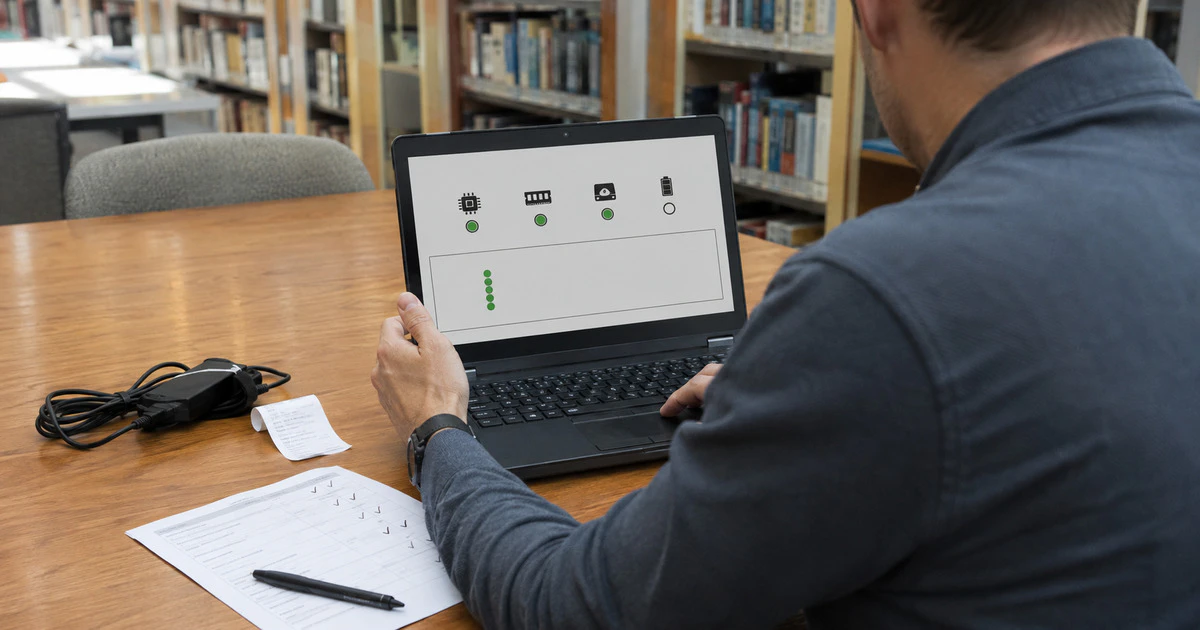
Do not pay for a used laptop merely because it reaches the desktop. A healthy-looking machine can still have a dying battery, an employer lock, a failing drive or an account restriction that appears after the seller leaves.
Meet somewhere safe with power and Wi-Fi, allow at least 20 minutes and ask the seller not to reset the computer until you have inspected it. A factory-reset screen hides useful battery, storage and management information.
This checklist covers current Windows 11 laptops and Macs. Buying from a retailer may provide statutory protections and a written return policy; a private marketplace sale can leave far fewer practical remedies.
Confirm the exact model before discussing price
Open the system information page rather than trusting the advertisement. On Windows, go to Settings, System, About. On a Mac, choose the Apple menu and About This Mac.
Compare the processor, memory, storage and serial number with the listing and receipt. Similar-looking laptops can differ sharply in performance and value. A model advertised with 16 GB of memory but showing 8 GB is not a minor typo.
Search the serial number on the manufacturer’s warranty page. Treat a mismatch, removed label or seller who refuses to show the serial number as a reason to leave.
Check ownership locks and company management
A Mac with Activation Lock can require the previous owner’s Apple Account before it can be activated after erasure. Apple explains that Find My enables Activation Lock on supported Macs.
Ask the seller to turn off Find My and sign out. If the Mac has already been erased, connect it to Wi-Fi and proceed far enough through setup to confirm that it does not request another person’s account. Do not accept a promise that the seller will remove it later.
On Windows, check Settings, Accounts, Access work or school. A company-managed laptop may enforce policies or become unusable after the organization notices it is missing. Also look for management wording during setup and in the browser.
Schools and employers legitimately sell retired equipment, but the seller should provide proof that management and asset records were cleared.
Measure the battery instead of guessing
Unplug the charger and watch the percentage while playing a local video or browsing for ten minutes. Sudden drops, shutdowns or a swollen case suggest trouble.
On Windows 11, open Command Prompt as administrator and run:
powercfg /batteryreportOpen the HTML file whose location Windows displays. Microsoft’s battery guidance recommends reviewing the installed battery, recent usage and capacity information. Compare full-charge capacity with design capacity; a large gap means shorter runtime.
On a Mac, open System Settings, Battery, then Battery Health. Also hold Option while choosing Apple menu, System Information, Power to inspect cycle count. Battery service thresholds vary by model, so use Apple’s model-specific limits rather than one universal number.
Inspect the screen, ports and structure
- Display solid white, black, red, green and blue images to reveal dead pixels, stains and backlight problems.
- Type every key and test the trackpad across its full surface.
- Use the webcam, microphones, speakers and headphone jack.
- Connect the charger to every supported charging port.
- Insert a known-good USB device and test video output if possible.
- Check hinges for looseness and the case for bulging, cracks or missing screws.
A raised trackpad or separated bottom panel can indicate a swollen battery. Stop using or charging the computer and arrange professional service; do not press the case flat.
Check storage health and repair history
Open storage settings and confirm the advertised capacity. Run the manufacturer’s built-in diagnostics: many Windows laptops offer a startup diagnostic menu, while Macs can start Apple Diagnostics by holding the appropriate startup key for the model.
Diagnostics cannot predict every failure. Listen for grinding from older hard drives, watch for freezes and check whether the system reports unexpected restarts.
For a Mac with Apple silicon running macOS Tahoe 26 or later, Apple says Repair Assistant can identify an unfinished repair involving a part linked to another Apple Account. Ask about screen, battery and main-board replacements and request the invoice.
Check support life and upgrade limits
Confirm that the laptop officially supports its current operating system. A Windows 10-only machine needs a realistic security plan because ordinary Windows 10 support ended in 2025. Do not assume an unsupported workaround creates full hardware support.
Check whether memory and storage are soldered. An inexpensive 8 GB laptop may become the expensive option if neither component can be upgraded.
| Finding | Accept, negotiate or leave? |
|---|---|
| Normal cosmetic wear | Negotiate if the price assumed better condition |
| Battery capacity substantially reduced | Price a replacement before deciding |
| Activation Lock or company management | Leave unless removed and verified before payment |
| Swollen battery or liquid damage | Leave unless buying knowingly for professional repair |
| Specs differ from listing | Pause; treat the advertisement as unreliable |
Get the sale in writing
For a private sale, record the date, amount, serial number, seller’s name and the condition represented. Use a traceable payment method and keep the listing and messages.
For a retailer or refurbisher, read the return window and warranty exclusions before paying. Ontario does not require every store to accept ordinary returns, so a posted or written policy matters. Consumer rights differ across Canada.
After purchase, erase the machine properly and install the operating system from the manufacturer’s recovery process. Change any temporary password the seller provided. A used laptop is worth buying when its condition is known—not when its problems are merely waiting for the next restart.
Tags: used laptops, MacBook, Windows, consumer guide, refurbished technology