Check a Used Phone Before You Hand Over the Money
Matthew Leo · Published July 30, 2026 · Guides
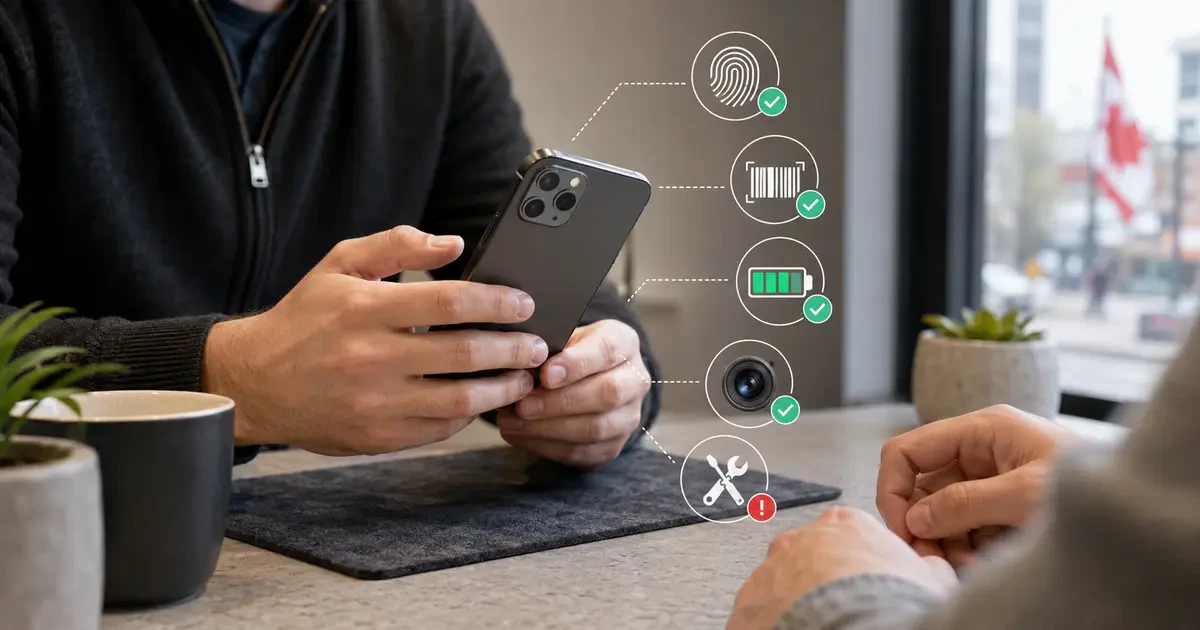
The cheapest used phone is a terrible bargain if it belongs to someone else, cannot join a Canadian network or needs a new battery next Tuesday.
Before paying, verify four things: legal ownership, account-lock status, network eligibility and hardware condition.
This guide applies to used iPhones and Android phones sold through private listings, local shops and online resellers in Canada. Menus differ between models, but the checks remain substantially the same.
Ask for this information before meeting
Request:
- The exact model and storage capacity
- The IMEI number
- The serial number
- Clear photographs of the front, back and edges
- Battery-health information when available
- Any repair or replacement-part history
- The original receipt or other proof of purchase
- A written description of defects
A seller may reasonably hide part of a serial number from a public listing. They should still let a serious buyer inspect the complete identifiers before payment.
Be cautious if the seller refuses to provide an IMEI, will meet only after dark, insists on advance payment or claims there is no time to turn the phone on.
Check the IMEI in Canada’s stolen-device database
An IMEI is a unique identifier used by mobile networks.
It can usually be found under Settings, in the phone’s About section. Dialling *#06# also displays it on many devices.
Enter the number into DeviceCheck Canada. The service checks Canada’s national database of devices reported lost or stolen.
A blacklisted device cannot operate on participating Canadian mobile networks.
Confirm that the IMEI shown in Settings matches any identifier printed on the box, SIM tray or purchase record. A mismatch needs a convincing explanation.
A clean result means the phone is not currently listed as lost or stolen. It does not prove ownership by itself. Keep checking the seller, receipt and account locks.
Do not buy an iPhone with Activation Lock
Apple’s Activation Lock keeps an iPhone connected to its owner’s Apple Account after loss or theft.
Apple tells buyers not to take ownership of a used iPhone displaying “iPhone Locked to Owner.”
The safest process is:
- Ask the seller to back up anything they need.
- Have them sign out of their Apple Account.
- Erase the iPhone through Settings.
- Restart the setup process while you are present.
- Confirm it reaches the normal setup screen without requesting the previous owner’s account.
Do not accept “I will remove it later.”
Do not pay someone online to bypass Activation Lock. If the seller cannot remove the lock, they have not demonstrated that they can transfer usable ownership.
Android has its own account lock
Android’s Factory Reset Protection can require the Google Account previously used on a phone after an unauthorized reset.
Google says device protection is disabled by removing the Google Account from the phone. Samsung provides similar protection on Galaxy devices.
Before resetting an Android phone, the seller should remove their Google Account and any manufacturer account, such as a Samsung account.
After the reset, begin setup and confirm that the phone does not request the previous owner’s credentials.
If it does, stop. The seller should complete the removal before receiving payment.
Confirm that the phone is network-unlocked
The CRTC requires Canadian service providers to supply devices unlocked and to unlock carrier-locked devices upon request without charging a fee.
Older or imported phones can still create compatibility problems.
Insert your SIM or activate your eSIM before paying when practical. Test:
- A normal voice call
- Sending and receiving a text message
- Mobile data with Wi-Fi turned off
- Hotspot functionality if it matters to you
A phone can be unlocked but still lack the frequency bands needed for good Canadian coverage. Imported models deserve additional checking against the intended carrier’s compatibility information.
Run a ten-minute hardware inspection
Display and touch
- Raise and lower the brightness.
- Look for flickering, coloured lines, dead pixels and permanent image burn-in.
- Drag an icon around every part of the screen to find dead touch areas.
- Check for gaps where the screen is lifting from the frame.
A lifting display can indicate a swollen battery. Do not charge or continue using a phone that appears swollen.
Cameras
- Test every front and rear camera.
- Switch between zoom levels.
- Check autofocus on a nearby object and something farther away.
- Record a short video with sound.
- Test the flash.
Sound and microphones
- Play audio through the loudspeaker.
- Make a call and test the earpiece.
- Record a voice memo.
- Test headphones or the charging-port audio connection if relevant.
Buttons, charging and connections
- Test the power and volume buttons.
- Connect a charging cable and gently check whether the port is loose.
- Test wireless charging if the model supports it.
- Connect to Wi-Fi and Bluetooth.
- Confirm GPS can obtain a location.
- Test Face ID, Touch ID or the fingerprint sensor after setup permits it.
Check the battery before accepting the price
On an iPhone, open Settings, Battery and Battery Health.
Apple’s pre-owned iPhone guidance recommends checking maximum capacity and performance messages. A degraded battery does not automatically make the phone unusable, but replacement cost belongs in the price calculation.
Android battery-health information varies. Some manufacturers provide diagnostics inside their support application, while others show only usage information.
Regardless of platform, watch for:
- Unexpected shutdowns
- Rapid percentage drops
- Excessive heat during light use
- A swollen case or lifting display
- Charging that repeatedly disconnects
Never continue charging a visibly swollen battery.
Look for repair history
On supported iPhones running iOS 15.2 or later, open Settings, General and About.
If repairs have occurred, Apple’s Parts and Service History can identify repaired components and may label them Genuine, Used, Unknown or Unverified.
An aftermarket component is not automatically defective. It may affect functionality, durability, warranty coverage and resale value.
Ask who completed the repair and request an invoice. Check that biometric authentication, cameras, charging and display features still work.
Android repair reporting is less standardized, making receipts and physical testing especially important.
Private sales offer fewer easy remedies
Ontario’s main consumer-protection framework primarily governs transactions between consumers and businesses.
A private marketplace purchase should not be treated as though it carries the same return policy, warranty or complaint process as buying from a retailer.
Create a basic receipt containing:
- Buyer and seller names
- Date and price
- Phone model, serial number and IMEI
- Known defects
- A statement that the seller owns the phone and has the right to sell it
Use a payment method offering a transaction record. Do not send a deposit simply because another imaginary buyer is “on the way right now.”
The Competition Bureau warns Canadians about merchandise scams built around unusually cheap listings and illegitimate sellers.
Walk away when the story becomes complicated
Do not buy when:
- The IMEI is blacklisted or does not match.
- Activation Lock or Factory Reset Protection remains enabled.
- The seller refuses a reset or network test.
- The phone appears swollen or badly repaired.
- The price depends on paying immediately.
- The seller’s identity and ownership story keep changing.
There will be another phone.
There may not be another easy way to recover money handed to a stranger.
A used phone should survive being inspected
A legitimate seller may find the process slightly tedious. That is better than asking a buyer to accept hundreds of dollars in risk.
Check the IMEI. Remove the accounts. Complete enough setup to test the network. Inspect the battery and repair history. Test every piece of hardware that would annoy you if it failed tomorrow.
Then pay.
Tags: used phones, iPhone, Android, DeviceCheck, consumer guide