VPN vs iCloud Private Relay: Which One Do You Need?
Matthew Leo · Published July 30, 2026 · Software & Apps
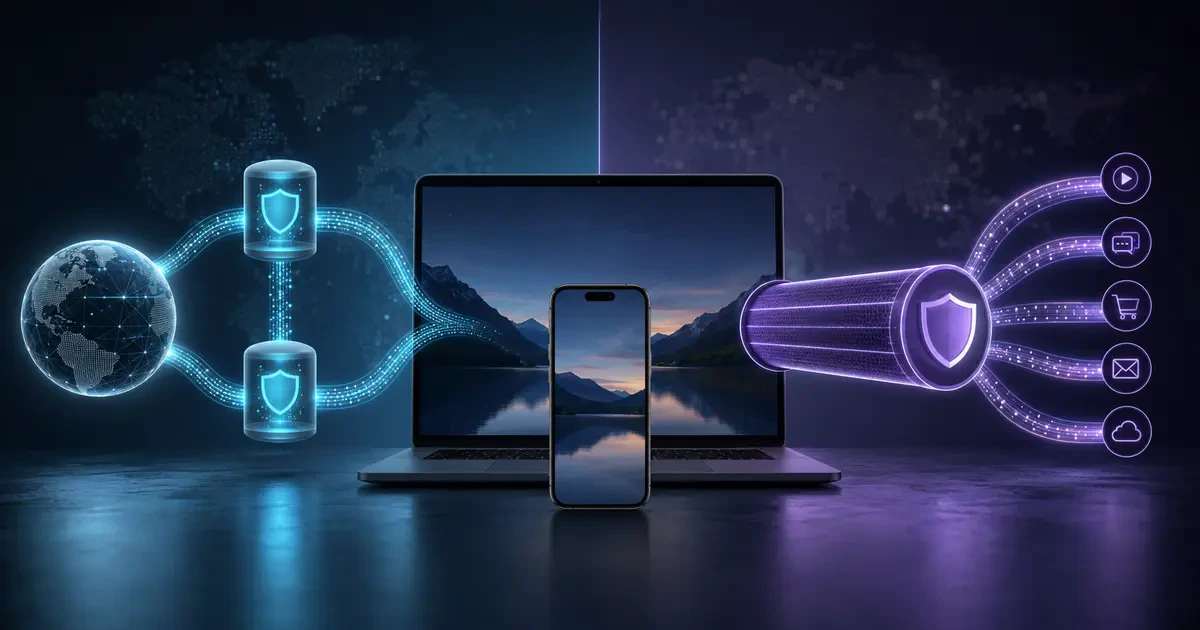
iCloud Private Relay is not Apple’s free VPN, and a VPN is not an invisibility cloak for the Internet.
The practical difference is scope.
Private Relay mainly protects Safari browsing on Apple devices. A full-device VPN can route traffic from Safari, other browsers and applications through the VPN provider’s server.
If Safari privacy is the only problem being solved, Private Relay may already be enough. If the goal involves work access, non-Safari applications or choosing another country, a VPN is the more appropriate tool.
The short answer
| Need | Better fit |
|---|---|
| Hide Safari browsing from the local network and ISP | Private Relay |
| Protect traffic across most applications | VPN |
| Securely access an employer’s internal network | Employer VPN |
| Select a server in another country | Consumer VPN |
| Stop phishing, malware or account theft | Neither by itself |
| Become anonymous while signed into personal accounts | Neither |
What iCloud Private Relay does
Private Relay is included with paid iCloud+ plans in Canada.
When enabled, Apple sends browsing requests through two separate relays.
The first relay, operated by Apple, knows the device’s IP address but not the final website destination. The second relay, operated by a third-party content provider, knows the destination but receives a replacement IP address rather than the original one.
Apple’s design is intended to prevent any single participating company from seeing both who the user is and which sites they visit.
Apple’s security documentation says Private Relay primarily protects Safari traffic and also includes DNS-resolution requests.
It does not turn every application on an iPhone, iPad or Mac into private traffic.
What a VPN does differently
A virtual private network creates an encrypted connection between the device and a VPN server.
Depending on the application and settings, the VPN can route traffic from the entire device or only selected applications.
This is useful when:
- An employee must connect to an organization’s private systems.
- Someone regularly uses untrusted public Wi-Fi.
- Traffic outside Safari also needs protection.
- A service requires an IP address in a specific region.
A VPN changes who must be trusted.
The local Internet provider sees an encrypted connection to the VPN server. The VPN provider then becomes the intermediary carrying traffic toward its destination.
That is why provider selection matters.
The Canadian Centre for Cyber Security warns that public VPN services vary and can be difficult to investigate. Providers may operate from countries with different privacy laws and security standards.
Private Relay is narrower by design
Private Relay does not offer a normal list of international server locations.
Users can choose whether the replacement address maintains their general location or uses the broader country and time zone. That can preserve local search results without revealing a precise location.
This makes Private Relay useful for ordinary browsing privacy.
It makes it poorly suited to someone trying to appear as though they are browsing from a specific foreign city.
Some websites may require additional verification, display the wrong local content or reject traffic associated with privacy relays. Apple allows users to temporarily reveal their IP address to a particular website when needed.
A VPN does not create anonymity
A VPN can hide the original IP address from websites.
It cannot hide identity voluntarily handed to them.
If someone signs into Google, Facebook, Amazon or a bank, the service knows which account is active regardless of the visible IP address.
Websites can also use cookies, browser storage and account activity to recognize users.
A VPN does not automatically:
- Block phishing pages
- Remove malware
- Protect a stolen password
- Stop tracking inside a signed-in account
- Make illegal activity lawful
- Guarantee that a provider keeps no logs
Private Relay has the same general limitations. Both protect parts of the network connection, not every part of digital identity.
Public Wi-Fi is safer than it used to be—but not risk-free
Most major websites and applications now use HTTPS encryption. That prevents someone on the same coffee-shop network from casually reading the contents of properly encrypted connections.
Public Wi-Fi still creates risks involving fake access points, malicious login pages and devices exposing local services.
The Canadian Cyber Centre recommends VPN use when organizations must connect through untrusted networks. For ordinary personal activity, cellular data is often the simpler option for sensitive banking or account recovery.
Private Relay protects compatible Safari browsing on public Wi-Fi. A full-device VPN offers broader coverage when other applications also need protection.
When Private Relay is enough
Private Relay is a reasonable choice when someone:
- Already pays for iCloud+
- Primarily browses through Safari
- Wants less tracking by network providers and websites
- Does not need to select another country
- Does not need access to a workplace network
To enable it on an iPhone or iPad:
- Open Settings.
- Tap the Apple Account name.
- Tap iCloud.
- Tap Private Relay.
- Turn it on.
The setting requires an iCloud+ subscription and supported software.
When a VPN makes more sense
Consider a VPN when:
- Traffic from several applications needs protection.
- The device uses Chrome, Firefox or another browser more often than Safari.
- An employer requires secure remote access.
- Specific server locations are genuinely necessary.
- Several operating systems must use the same privacy service.
Before choosing a consumer VPN, examine:
- Who owns the company
- Which country’s laws apply
- What connection or activity logs it keeps
- Whether its applications have received independent security audits
- How it responds to legal demands
- Whether split tunnelling leaves some applications outside protection
- Its cancellation and renewal terms
A free VPN has operating costs even when the user receives no invoice. Understand how the provider makes money before routing personal traffic through it.
Using both is usually unnecessary
Private Relay may become unavailable while a VPN is active because both attempt to control network routing.
Running overlapping privacy services can also create slower connections, broken websites and confusion about which provider handles the traffic.
Choose the tool that matches the requirement instead of stacking several and hoping privacy multiplies.
Privacy tools cannot replace careful browsing
Mapletechie has examined how AI browsers are gaining access to more personal activity and online services.
Neither Private Relay nor a VPN controls what information an authorized browser assistant can read after receiving permission.
Network privacy, account security and application permissions are separate layers.
Private Relay protects a useful but limited layer for Apple users. A VPN can protect a wider layer, but introduces a provider that must be trusted.
Neither can save someone who enters a password into a convincing fake website.
Tags: VPN, iCloud Private Relay, Apple, online privacy, Safari