Wi-Fi 7 Won’t Fix Every Slow Internet Problem
Matthew Leo · Published August 11, 2026 · Gadgets
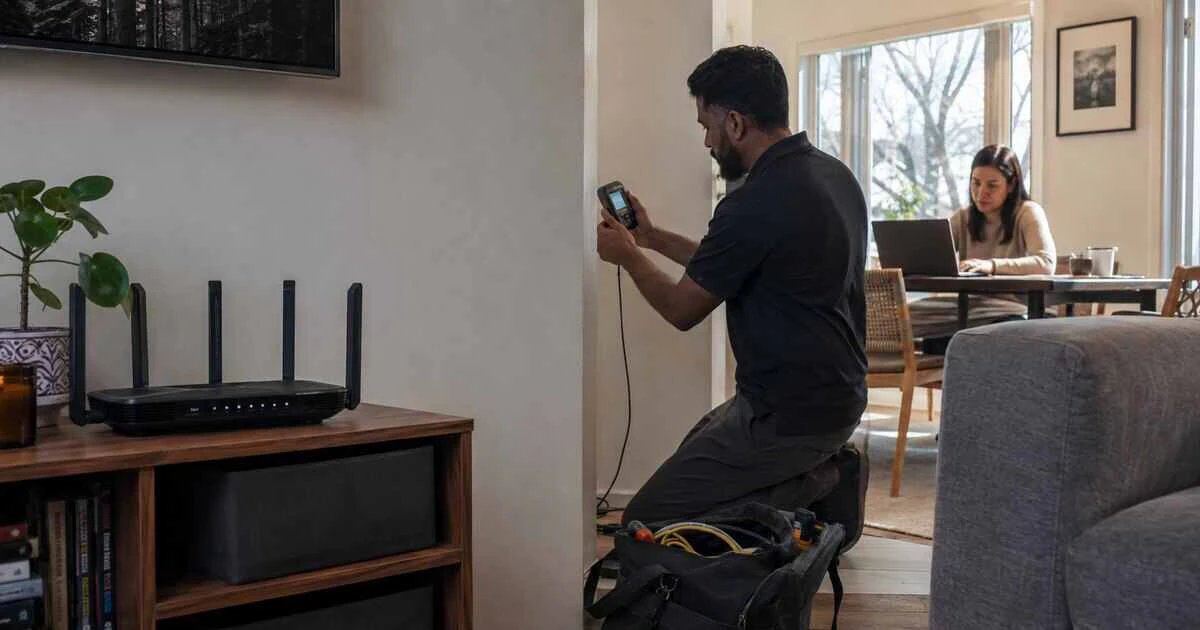
A Wi-Fi 7 router cannot make a 100-megabit Internet plan deliver one gigabit, and it cannot move radio signals cleanly through concrete, metal ductwork or several floors.
The new standard can improve local wireless capacity, latency and performance in busy homes. Whether that matters depends on the slowest part of the complete path: the Internet service, modem, router port, wireless link, mesh backhaul, device or remote service.
Before paying Canadian retail prices for new hardware, measure the bottleneck you actually have.
What Wi-Fi 7 changes
Wi-Fi 7, based on IEEE 802.11be, adds capabilities such as wider 320 MHz channels in the 6 GHz band, higher-density 4096-QAM modulation and Multi-Link Operation. Compatible devices can use these features to move more data or manage several links more effectively.
The maximum figures printed on a router box combine idealized capacity across radios and streams. They are not a promise that one laptop will reach that speed, particularly at a distance or through walls.
A complete Wi-Fi 7 connection requires support at both ends. A new router will still serve older Wi-Fi 5 and Wi-Fi 6 devices, but those clients do not gain a new radio simply because the access point has one.
Test the Internet service first
Connect a capable computer to the router or gateway with Ethernet and run several speed tests at different times. Use a cable and port rated for the service tier; a one-gigabit Ethernet port cannot demonstrate a multi-gigabit plan.
Compare the wired result with the provider’s advertised speed and the plan’s expected range. Cable and fixed-wireless services can vary with neighbourhood demand, while remote test servers and device limitations can also influence the number.
If wired performance is already far below the plan, replacing Wi-Fi may hide neither a provider fault nor a weak modem-router connection. Resolve that first.
Compare wired and wireless results in the same room
Run a wireless test near the current router using a recent device, then repeat in the locations where performance feels poor. Keep the test server and device consistent.
When nearby Wi-Fi is fast but a distant room is slow, placement and building materials are the likely constraints. A newer standard may help, but a better router location, wired access point or properly designed mesh often matters more.
When every wireless test stops around the same low speed while Ethernet is much faster, inspect the client’s Wi-Fi capability, band, channel width and connection rate.
The 6 GHz band is fast but less forgiving
Wi-Fi 7 can use 6 GHz spectrum, which offers wide channels and less legacy congestion. Higher-frequency signals generally lose more strength through distance and obstacles, however.
A 6 GHz connection can be excellent in the same room and disappear behind several walls. Canadian availability and permitted power depend on regulatory rules and product configuration, and not every device sold in another market exposes the same bands here.
For large homes, the practical solution may be more access points connected by Ethernet rather than one more powerful-looking router in a basement utility room.
Mesh backhaul can become the bottleneck
A wireless mesh node must communicate with both the client and another node. When those links share radio capacity, the backhaul can limit performance, particularly across several hops.
Wi-Fi 7’s Multi-Link Operation may improve how compatible systems use several bands, but it cannot create a clean path where signals are weak. Ethernet backhaul remains the predictable choice when cabling is feasible.
Place mesh nodes where they still receive a strong signal—not inside the dead zone they are meant to repair. A node with a poor upstream link only rebroadcasts a poor connection.
Your devices may not support the useful features
Check the exact Wi-Fi adapter in each important laptop, phone, console and streaming device. Product names can conceal regional or generation differences.
A Wi-Fi 6 device can connect to a Wi-Fi 7 router but remains limited by its own standard, antennas and channel support. Many phones and laptops use two spatial streams, while the router’s larger advertised total may assume several radios and more streams.
Desktop computers tucked under metal desks may benefit more from antenna placement or Ethernet than a router upgrade.
Router ports and modem links matter
A multi-gigabit wireless link still reaches the Internet through physical ports. Check the speed of the router’s WAN port, LAN ports and the modem or optical terminal connected to it.
Some routers provide one multi-gigabit WAN port but only gigabit LAN ports. That may be acceptable for Internet access yet limit a local network-attached storage device or wired backhaul.
Also confirm that the cable is appropriate and negotiating at the expected rate. A damaged cable can force a link down to 100 megabits.
Wi-Fi 7 is most useful for local traffic and busy networks
The upgrade is easier to justify when several compatible devices move large files to local storage, use low-latency applications, or compete heavily for wireless capacity. It can also make sense when replacing an unsupported router and planning to keep the next system for years.
It is harder to justify when the Internet plan is modest, the devices are old, or the main problem is one distant room. A well-placed Wi-Fi 6 access point can outperform a premium Wi-Fi 7 router installed in the wrong location.
Use this upgrade checklist
- Measure wired Internet speed at the router.
- Measure wireless speed near the router and in problem rooms.
- Check the Wi-Fi generation and band support of important clients.
- Confirm WAN, LAN and modem port speeds.
- Inspect mesh backhaul and node placement.
- Identify whether the goal is faster Internet or faster local transfers.
- Price additional access points, cabling and adapters—not only the router.
Buy from a retailer with a practical return policy, keep the old configuration available and test the new system in the same locations. Do not discard functioning equipment until coverage, device compatibility and smart-home connections have been verified.
Upgrade the bottleneck, not the badge
Wi-Fi 7 is a meaningful technical improvement. Its wider channels and multi-link capabilities can produce excellent results under the right conditions.
The standard is not a repair spell for every slow connection. If the provider, wall, mesh link, port or client is slower, the new router waits behind it. A ten-minute set of wired and wireless tests can save hundreds of dollars—and point to the upgrade that will actually be noticed.
Tags: Wi-Fi 7, routers, home networking, broadband, wireless technology