Wi-Fi 7 vs Wi-Fi 6E: Is the Upgrade Worth It?
Matthew Leo · Published August 13, 2026 · Gadgets
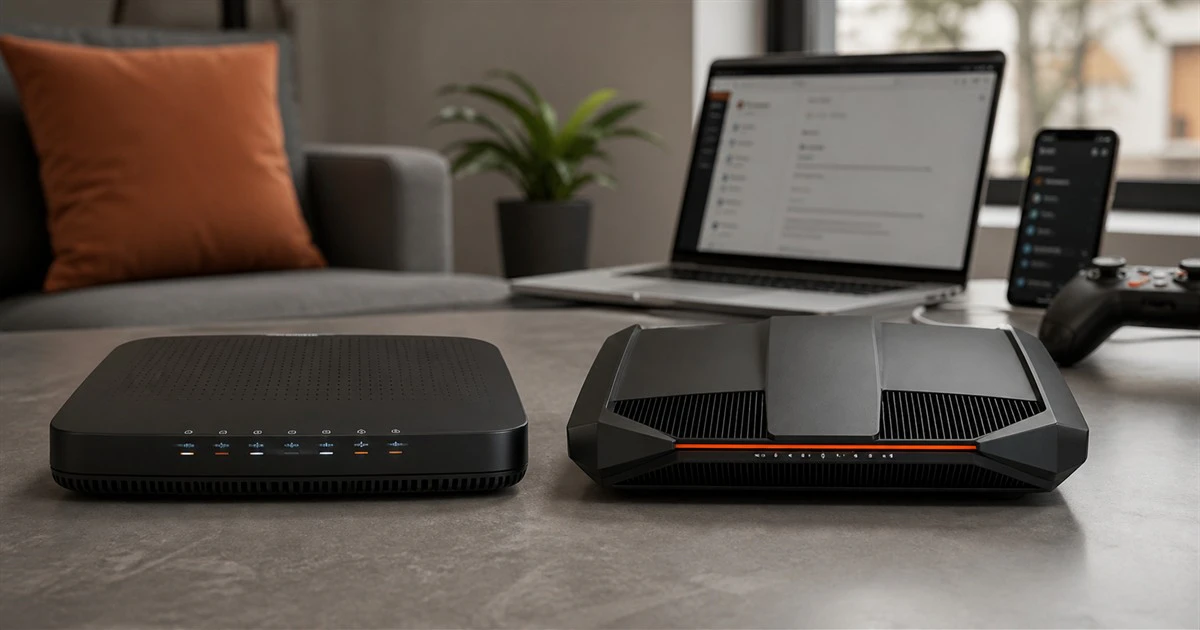
Wi-Fi 7 can be dramatically faster than Wi-Fi 6E on a specification sheet and make no visible difference to most devices in a home.
Both standards can use Canada’s 6 GHz spectrum. Both are fast enough for ordinary streaming, browsing and video calls. Wi-Fi 7 adds wider channels, more efficient modulation and the ability to use more than one link, but those benefits appear only when the router, client device, internet connection and home layout support them.
For many Canadian households, a well-placed Wi-Fi 6E mesh or router remains the better buy. Wi-Fi 7 becomes worthwhile when the network is being replaced anyway and several current devices can use its new features.
The short answer
- Buy Wi-Fi 6E when it is meaningfully cheaper, your devices already support 6E, and your main goal is clean short-range performance in a busy home.
- Buy Wi-Fi 7 when you have multi-gigabit internet or fast local storage, new Wi-Fi 7 phones and computers, and you plan to keep the router for several years.
- Keep Wi-Fi 6 when coverage is good and no real task feels slow. A newer standard does not repair poor placement, weak backhaul or an undersized internet plan.
Wi-Fi 6E is Wi-Fi 6 with access to 6 GHz
Wi-Fi 6 and 6E use the same 802.11ax technology. The E means that compatible equipment can extend into the 6 GHz band. That extra spectrum offers more room for wide channels and less interference from old 2.4 and 5 GHz devices.
Canada permits licence-exempt Wi-Fi operation in 6 GHz under technical conditions set by Innovation, Science and Economic Development Canada. Low-power indoor equipment can use the 5925–7125 MHz range, while standard-power and very-low-power devices follow different limits.
The benefit is capacity, not magical range. Higher-frequency 6 GHz signals generally weaken more quickly through walls and floors than 2.4 GHz. A nearby laptop may get a very clean link; a basement camera may still prefer the slower band that reaches farther.
What Wi-Fi 7 adds
Wi-Fi 7 is based on 802.11be and keeps 2.4, 5 and 6 GHz compatibility. Its headline improvements include:
- 320 MHz channels: twice the maximum channel width commonly associated with Wi-Fi 6E. This can increase peak throughput where the device and local rules support it.
- 4096-QAM: a denser way to carry data than the 1024-QAM used by Wi-Fi 6E. It needs a strong, clean signal to help.
- Multi-Link Operation: a compatible client can coordinate connections across more than one band or link. This can improve speed, latency or reliability.
- Multi-RU puncturing: a device can use open portions of a wide channel rather than abandoning the whole channel because part of it is busy.
Intel lists a theoretical maximum of 5.76 Gbps for one of its 2x2 Wi-Fi 7 client configurations using 320 MHz channels, 4096-QAM and Multi-Link Operation. Its comparable Wi-Fi 6E products top out around 2.4 Gbps. Those are link rates under favourable conditions, not promised internet speeds.
Your device may be the limit
A Wi-Fi 7 router does not upgrade the radio inside an older phone. A Wi-Fi 6 laptop connects using Wi-Fi 6 capabilities. A Wi-Fi 6E phone can use 6 GHz but not the full Wi-Fi 7 feature set.
Check the exact client specification. Product pages sometimes say “Wi-Fi 7” while the hardware supports only 160 MHz channels or a limited implementation of Multi-Link Operation. That can still be excellent, but it will not match every number printed on the router box.
Windows PCs with Intel adapters also need the correct operating system and drivers. Intel says full Wi-Fi 7 operation on its current products requires Windows 11 24H2 or later, while 6 GHz access requires a compatible Wi-Fi 6E or Wi-Fi 7 router and supported platform configuration.
Internet speed can make the comparison irrelevant
A 500 Mbps internet plan cannot deliver a 2 Gbps download merely because the laptop shows a fast Wi-Fi link. The wireless link carries traffic between your device and router; the internet plan controls the next connection beyond the home.
Wi-Fi 7 still has value on a slower internet plan when devices move large files to a network-attached storage system, back up to a local server or use wireless virtual-reality equipment. If every important task goes to the public internet, the plan may become the bottleneck first.
Check router ports too. A device advertised with enormous wireless capacity may include only one multi-gigabit Ethernet port. If the internet input, wired backhaul or server port is limited to 1 Gbps, that link can cap the result.
Coverage matters more than the logo
A centrally placed Wi-Fi 6E router can outperform a Wi-Fi 7 router hidden in a basement cabinet. Before buying, move the current router into the open, above the floor and away from large metal objects. Test again where the network feels weak.
Large homes may need multiple access points or a mesh. For the best performance, connect nodes with Ethernet. Wireless backhaul shares airtime with client traffic unless the system has a dedicated radio or can use Multi-Link Operation effectively.
Do not buy an expensive three-node package automatically. Too many nearby nodes can create unnecessary interference and poor roaming. Start with the number required for the building, then add one only if measurements show a gap.
When Wi-Fi 7 is worth paying for
The newer standard makes the strongest case in a home with several of these conditions:
- a 1.5, 2.5 or faster gigabit internet service;
- current phones and laptops that explicitly support Wi-Fi 7;
- large local file transfers or a fast NAS;
- crowded 5 GHz airwaves and short distances suitable for 6 GHz;
- gaming, creative work or other tasks sensitive to latency and consistency;
- a router replacement that needs to last through several device upgrades.
It is harder to justify when the household has mostly Wi-Fi 5 or 6 clients, an internet plan below 1 Gbps and no local server. In that case, the same money may improve the network more when spent on better placement, Ethernet wiring or an extra access point.
What to check before buying in Canada
- Client support: list the phones, laptops and consoles that will actually use 6 GHz or Wi-Fi 7.
- Port speeds: look for enough 2.5 Gbps or faster Ethernet ports for the internet service and wired devices.
- Backhaul: decide whether mesh nodes will use Ethernet, a dedicated wireless radio or shared wireless capacity.
- Security and updates: choose a vendor with a clear firmware-update record and use WPA3 where compatible.
- Canadian certification: buy equipment intended for Canada. ISED requires applicable 6 GHz equipment to be certified under Canadian radio standards.
- Return policy: home construction is hard to predict. A router that reviews well may still struggle through your walls.
Mapletechie’s Gadgets coverage treats a specification as useful only when it changes the experience. Wi-Fi 7 has real technical advantages, but the home network must give them somewhere to work.
The verdict
Wi-Fi 7 is the better standard. Wi-Fi 6E can still be the better purchase.
If a good 6E system costs much less and your fastest devices already use 6E, buy it without feeling behind. It can deliver clean 6 GHz performance and more speed than most Canadian home internet plans require.
Choose Wi-Fi 7 when the price gap is reasonable, the ports are fast, the clients are ready and the router will stay in service long enough to support future devices. Buy the network you can use, not the largest number on the box.