Use Wi-Fi Calling in Canada Without Billing Surprises
Matthew Leo · Published August 12, 2026 · Canada Tech
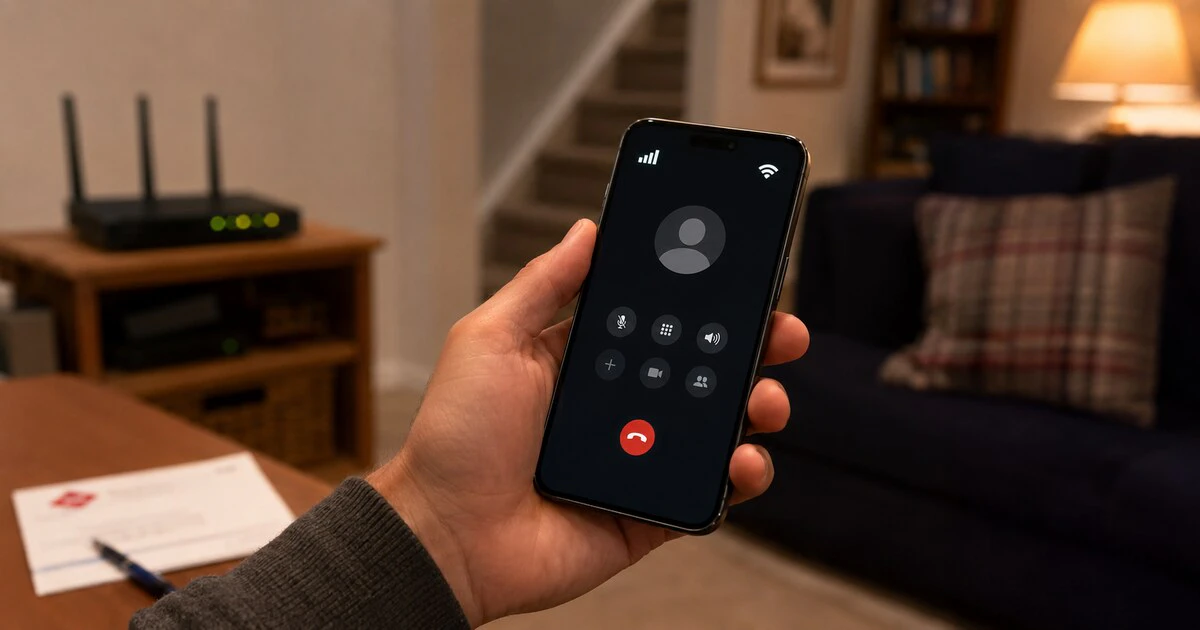
Wi-Fi Calling can make an ordinary Canadian mobile call from a basement, warehouse or rural home where cellular reception barely reaches. It is not a free Internet-calling app.
The call still belongs to your carrier account and follows that carrier’s billing rules. Emergency calls may depend on the address registered during setup, and travel policies differ sharply between providers.
Turn it on before you need it, confirm the emergency address and read the travel terms for your own plan. A Wi-Fi symbol beside the carrier name does not make every destination a local call.
What Wi-Fi Calling actually does
Wi-Fi Calling sends your carrier’s voice calls and supported messages through an Internet connection when mobile coverage is weak or unavailable. The person you call sees your ordinary number, and you use the phone’s normal dialler.
It differs from WhatsApp, FaceTime Audio or Signal. Those services make app-to-app Internet calls. Wi-Fi Calling is integrated with the mobile network and must be enabled by the carrier for the phone and account.
Bell describes the feature as an extension of mobile coverage inside Canadian basements, buildings, hospitals, warehouses and stores. Call quality depends on the Wi-Fi connection. A congested public hotspot can produce a worse call than a modest but stable cellular signal.
Turning it on requires carrier approval
On a current iPhone, open Settings, Cellular, select the relevant line if the phone uses more than one SIM, then choose Wi-Fi Calling. Enable the feature and enter or confirm the emergency-services address.
Apple says the status bar or Control Centre will show Wi-Fi when the feature is active. The option may be missing when the carrier, plan, phone model or regional firmware is unsupported.
Android menus vary. Look under Settings, Network & Internet, SIMs, Calls or Connections. Choose the active carrier and find Wi-Fi Calling. Samsung, Pixel and other manufacturers may place the switch in different sections.
A visible switch is not proof that registration finished. Turn on Airplane Mode, re-enable Wi-Fi and make a normal non-emergency call. If it connects and the phone indicates Wi-Fi Calling, the feature is working without cellular service.
Turn Airplane Mode off after the test. Do not test by dialling 911.
Calls in Canada usually follow the mobile plan
Canadian carriers generally treat a Wi-Fi call as carrier usage rather than a separate service. Bell says there is no additional Wi-Fi Calling charge on eligible unlimited nationwide plans. Calls outside Canada still receive the plan’s standard long-distance treatment.
Rogers says calls and messages to Canadian numbers while the customer is in Canada use the plan’s included limits without long-distance charges. Calls to non-Canadian numbers follow the applicable plan or pay-per-use rates.
The Wi-Fi network can have its own cost. Hotel access, airplane Internet or a metered home connection may charge for data independently of the carrier. Voice uses relatively little data, but “no carrier surcharge” does not mean the Internet connection is free.
Travel rules are not consistent across carriers
This is where assumptions become expensive. Rogers publishes rules that permit certain Wi-Fi Calling use outside Canada, including incoming communications and calls to Canadian numbers without ordinary roaming charges in specified circumstances. Calls to non-Canadian numbers can trigger roaming, long-distance or add-on charges.
Bell’s published consumer terms say its Wi-Fi Calling feature is available only within Canada. A Bell customer should not use Rogers’ travel policy as a guide, even when both phones display the same setting.
| Situation | What to verify |
|---|---|
| Calling a Canadian number from Canada | Whether it is included in the plan’s nationwide minutes. |
| Calling another country from Canada | The plan’s long-distance rate or international add-on. |
| Using Wi-Fi Calling abroad | Whether the carrier permits it and how it treats incoming and outgoing calls. |
| Using a VPN | Whether a foreign network location can affect availability or billing. |
| Public or airplane Wi-Fi | The Internet fee and whether the network permits voice traffic. |
Take a screenshot of the current carrier policy before travel and check again when plans change. If avoiding roaming charges is critical, use Airplane Mode with Wi-Fi enabled only after confirming the carrier supports that arrangement.
Your emergency address needs to be correct
A cellular 911 call can provide the emergency centre with an approximate location through network and device systems. Wi-Fi Calling may be handled differently when no cellular service exists.
Bell warns that emergency services cannot automatically track a Wi-Fi caller in the same way. The call may first reach an operator who uses the location the caller provides or the address registered in the phone settings. If the caller cannot speak, an outdated address can send help to the wrong place.
The CRTC explains that Internet-based calling creates location challenges because the service can be used away from a fixed address. Power and Internet outages can also disable it.
Update the registered address after moving and before relying on the feature at another regular location. During an emergency, state the current location clearly and do not hang up unless instructed.
A mobile or landline 911 route is preferable when it is available. Keep another means of calling during a power outage because the phone, router and modem may all need electricity.
Fix activation and call-quality problems
When the switch is missing or activation fails:
- Confirm that the exact phone model and plan are supported by the carrier.
- Install current phone and carrier-setting updates.
- Restart the phone and router.
- Turn Wi-Fi Calling off, wait and turn it on again.
- Try another trusted Wi-Fi network; some networks block required traffic.
- Remove a VPN temporarily and repeat the test.
- Ask the carrier to confirm that Wi-Fi Calling is provisioned on the line.
Apple places Reset Network Settings near the end of its troubleshooting route. That reset removes saved Wi-Fi networks and other network configuration, so record anything important first.
For poor audio, move closer to the router and stop large uploads. If the phone repeatedly switches between Wi-Fi and cellular, choose the stronger connection rather than forcing a weak one.
Use it as coverage, not as a billing loophole
Wi-Fi Calling is most valuable when a Canadian number needs to work inside a place the cellular network cannot reach. Once activated and tested, it is nearly invisible.
The complications sit around the call: carrier eligibility, international rates, travel restrictions, Internet reliability and emergency routing. Confirm those pieces once, keep the address current and the feature can do its quiet job without producing a loud surprise on the bill.
Tags: Wi-Fi Calling, Canadian carriers, mobile service, 911, roaming