Windows 11 24H2 Support Ends Soon. Check Your PC
Matthew Leo · Published August 3, 2026 · Software & Apps
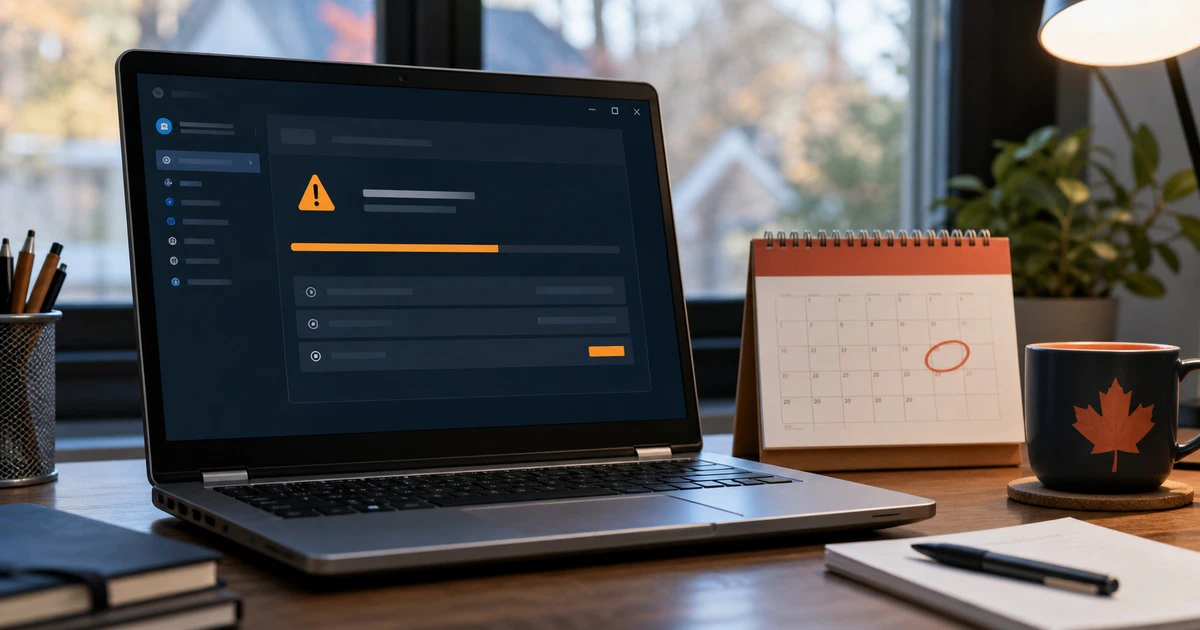
A Windows computer can keep turning on long after Microsoft stops protecting it.
Windows 11 version 24H2 reaches the end of support for Home and Pro editions on October 13, 2026. After that date, those editions are no longer scheduled to receive regular security fixes.
The good news is that most eligible computers do not need to be replaced. Microsoft designed the move from 24H2 to 25H2 as a small feature update that normally requires one restart.
The important step is checking which version your PC runs before the deadline becomes an emergency.
Check your Windows version in seconds
Press the Windows key and the letter R together. Type winver, then press Enter.
A small window will show the Windows edition, version and build number. You can also open Settings > System > About and look under Windows specifications.
If the version says 25H2, no special action is needed beyond installing normal updates. If it says 24H2 and the edition is Home or Pro, plan the upgrade before October 13.
Business-managed computers may follow a different schedule. Windows 11 Enterprise and Education 24H2 remain supported until October 12, 2027. Long-Term Servicing Channel editions have separate dates. Ask the organization’s technology team before changing a managed device.
What end of support actually means
The computer will not suddenly lock or delete files on October 14. Apps may continue to open and the desktop may look normal.
The risk grows quietly. Microsoft explains that an unsupported Windows version no longer receives standard software updates, security fixes or technical support. Newly discovered weaknesses can remain open while attackers keep improving their tools.
That matters for any computer used for email, banking, schoolwork, tax documents or business accounts. Antivirus software can help, but it cannot replace operating-system fixes.
Why 25H2 should be a simple update
Windows 11 versions 24H2 and 25H2 share the same core system files. Microsoft has already delivered many 25H2 components through regular 24H2 updates, but they remain inactive.
The 25H2 feature update acts like a small switch that turns those components on. Microsoft calls it an enablement package and says it reduces installation time because the upgrade does not need to replace the entire operating system.
For most home computers, open Settings > Windows Update and select Check for updates. Install current monthly updates first. Restart when asked, return to Windows Update and look for “Windows 11, version 25H2.”
Microsoft rolls major updates out gradually. A PC may not receive the offer immediately if the company has identified a compatibility problem with its hardware, driver or app.
Do not force an update through a safety hold
An update delay can be frustrating, but it may be protecting the computer from a known failure.
If 25H2 is not offered:
- install every available 24H2 update;
- restart the computer;
- update important drivers and firmware through the PC maker;
- remove software you no longer use; and
- check Microsoft’s Windows release-health page for known issues.
Avoid downloading unofficial installers or modifying the registry because a social-media video promises to bypass every check. The goal is a supported computer, not a faster route to a broken one.
Back up before the upgrade
The 25H2 update should be routine, but important files should never depend on one routine going perfectly.
Copy documents, photos and work files to a separate drive or a trusted cloud service. Confirm that the backup opens. Make sure you know the passwords for the Microsoft account, email account and any encrypted drive.
Keep the laptop connected to power during the update and leave enough free storage for Windows to work. If the computer is already unstable, fix that problem before starting a feature update.
Do not look for Windows 11 26H1
The version number makes 26H1 sound like the obvious next step. It is not.
Microsoft says Windows 11 26H1 was created for select new computers with newer hardware and is not offered as an in-place upgrade from 24H2 or 25H2. Existing PCs should move from 24H2 to 25H2 through Windows Update.
Buying a new computer with 26H1 does not mean it has a more complete set of everyday Windows features. Microsoft says 26H1 includes the same features introduced with 25H2 but uses a different Windows core for new silicon.
When a replacement PC may make sense
A working 24H2 computer that is offered 25H2 does not need replacement because of this deadline.
Consider a new computer when the current one cannot receive a supported version, has a failing battery or storage drive, lacks enough memory for everyday work, or would cost more to repair than it is worth.
Do not confuse an update notification with a sales message. The support deadline is a reason to install 25H2, not a reason to buy an “AI PC” you do not need.
If a replacement also needs a new display, Mapletechie’s monitor buying guide explains which screen specifications matter and which ones mostly increase the price.
A five-minute check prevents an October surprise
Open winver today. If the computer is already on 25H2, keep installing monthly updates. If it is on 24H2 Home or Pro, back up important files and install 25H2 when Windows Update offers it.
The deadline is not a reason to panic. It is a reason not to ignore the version number for another two months.
Sources and further reading
- Microsoft Windows 11 release information
- Microsoft 25H2 enablement-package guidance
- Microsoft explanation of Windows 11 26H1
- What Windows end of support means
Tags: Windows 11 24H2, Windows 11 end of support, Windows 11 25H2, Microsoft update